Build the intro around the first spoken sentence
Good podcast intro music should establish the show's character while leaving the host easy to understand. Record a sample opening, choose a musical phrase that fits its tone, and decide where the music becomes quieter or ends. Judge the combination, not the track alone.
A short recognizable phrase may be enough. You do not need to delay the episode until a full song reaches its chorus. Nor does every show need music under the whole introduction.
This guide uses an imaginary interview podcast as a working example. The prompts and edits are suggestions to try, not results from a listening study or a promise of better retention.
Decide what repeats and what changes each episode
Separate the show's identity from this episode's introduction. A reusable theme can accompany the name of the show; the host's opening question or guest description will change.
For example, imagine an interview series about people learning practical skills. Its recurring musical brief might be:
Warm, curious, and unhurried. A small melodic phrase that feels welcoming, with enough space for a conversational voice.
The episode-specific opening could be:
Today, we're asking what makes a first woodworking project worth finishing, even when the measurements go wrong.
The music should support that sentence without trying to become a second story. Listen for a busy lead instrument or sudden drum entrance competing with the words “first woodworking project.” Those are candidates for a different passage or a simpler arrangement.
Choose a theme by its role
Use a few concrete criteria when comparing music. An exciting track is not automatically a useful intro.
| Listen for | Why it matters in this edit |
|---|---|
| A clear musical phrase near the start | You can establish the theme without waiting through a long buildup |
| Space around the host's voice | The listener can follow the opening sentence |
| An editable ending or decay | The music can leave cleanly as the episode begins |
| A tone that fits the show | The opening prepares the listener for the actual conversation |
| A version you can reuse consistently | Each episode does not require rebuilding the same edit |
Try the candidates with the same voice recording at comparable playback levels. Otherwise, a louder or more polished candidate may seem preferable even when its arrangement is less suitable.
Create a musical draft with a focused prompt
You can explore an original direction in AISongsGenerator's music generator. Select Instrumental if the theme should contain no singing.
Try this creative brief:
Instrumental podcast theme for a warm, practical interview show. A concise keyboard motif, soft plucked texture, and restrained percussion. Curious and conversational, with a clear phrase near the beginning and room for spoken words. Avoid vocals, a dramatic buildup, heavy bass drops, and a busy lead melody.
The prompt describes the desired sound. It does not guarantee a particular duration, a clean ending, or a ready-made mix with your voice. Audition the result, keep a suitable passage, and finish the timing in your audio editor.
Save the prompt and original export with the project. If a candidate has the right mood but no useful edit point, compare another version instead of forcing a long introduction to accommodate it. For more control over a commissioned theme, use the delivery questions in our AI music and human composer guide.
Make separate voice and music tracks
Keep the host recording and the theme on separate tracks while editing. That lets you adjust the music without changing the voice recording's level.
First, listen to the opening with no music. Check whether the sentence is understandable and whether the edit begins where you intend. Then add the theme and bring it down until the words remain clear at a comfortable listening volume.
Do not choose a universal music level from a number alone. A sparse keyboard phrase and a dense percussion track can interfere with speech differently. If lowering the music still leaves the opening cluttered, change the arrangement or remove the overlap.
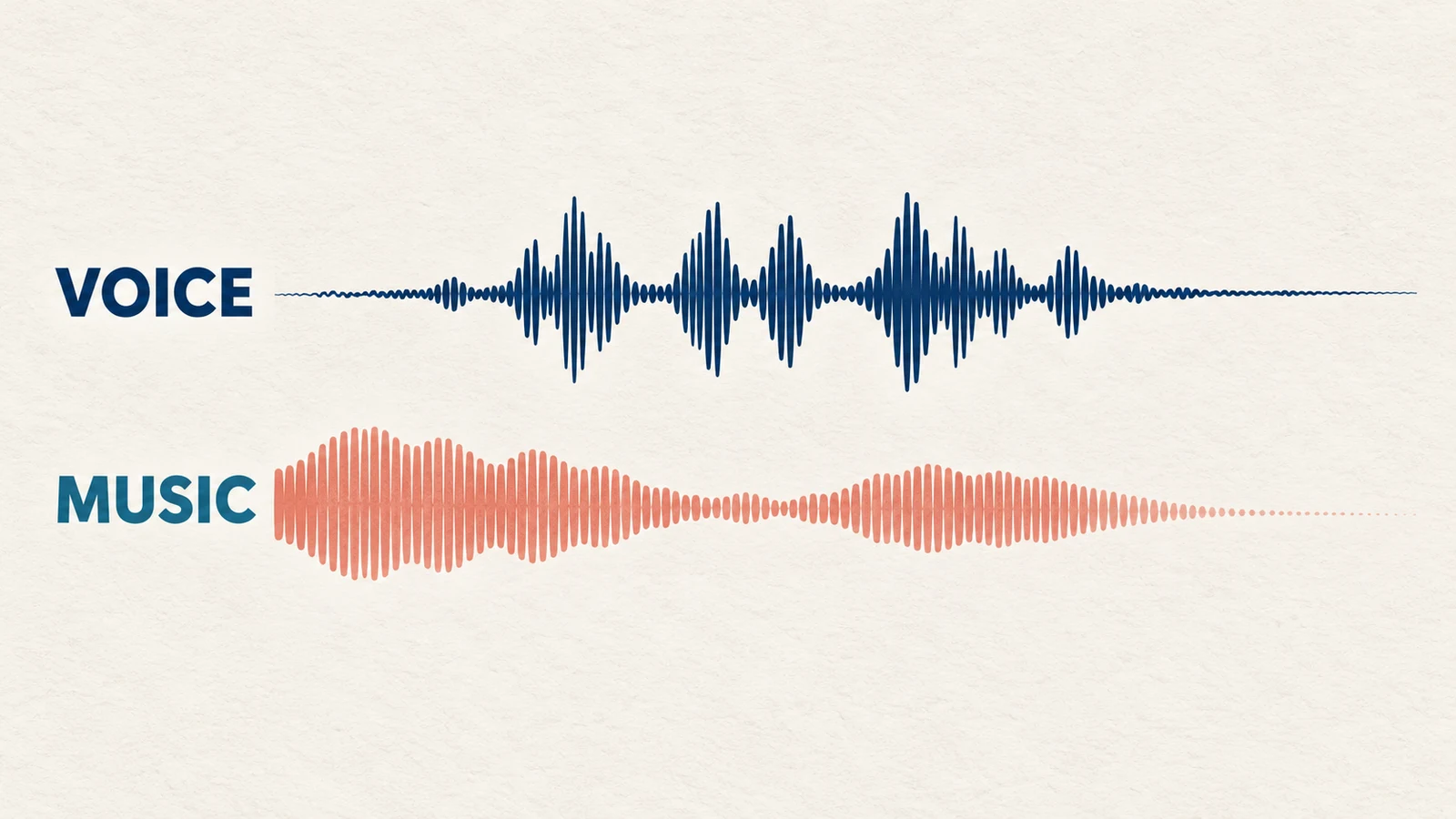
The illustration shows the two layers conceptually; it is not a measured waveform or a recommended level setting.
Lower the music during speech
You can lower music manually with volume automation or use a ducking feature. Ducking means reducing one track's level in response to another, commonly speech.
Audacity's Auto Duck manual describes a selected music track being reduced when an unselected control track beneath it crosses a threshold. For this workflow:
- Align the music and spoken recording where they should play together.
- Select the music region you want to change.
- Leave the voice track unselected directly underneath as the control track.
- Open Effect, then Volume and Compression, then Auto Duck.
- Apply the effect and listen to the reduction, pauses, and return of the music.
The manual also describes controls for the reduction amount, fade timing, and maximum pause. Adjust them by listening; defaults are not a finished podcast mix. If the music swells between every short phrase, inspect the pause and fade behavior instead of making the host louder.
Menu wording can depend on the version you use. The underlying task remains the same: keep the voice intelligible and make the music's level changes sound deliberate.
Give the theme a clear exit
Try two edits: one where the music ends before the main discussion, and one where it continues quietly beneath a short opening. Keep the spoken content the same so the comparison is useful.
Listen especially to the first sentence after the theme disappears. Does the change feel natural, or does the room suddenly sound empty because the music was hiding a poor edit? Fix the spoken transition rather than extending the music indefinitely.
A fade can work, but so can a resolved musical ending. Avoid cutting off a sustained note accidentally. Our guide to fitting music to a video length discusses selecting and finishing musical passages; the same listening questions can help with an audio-only cue.
Save a reusable session, not just a finished intro
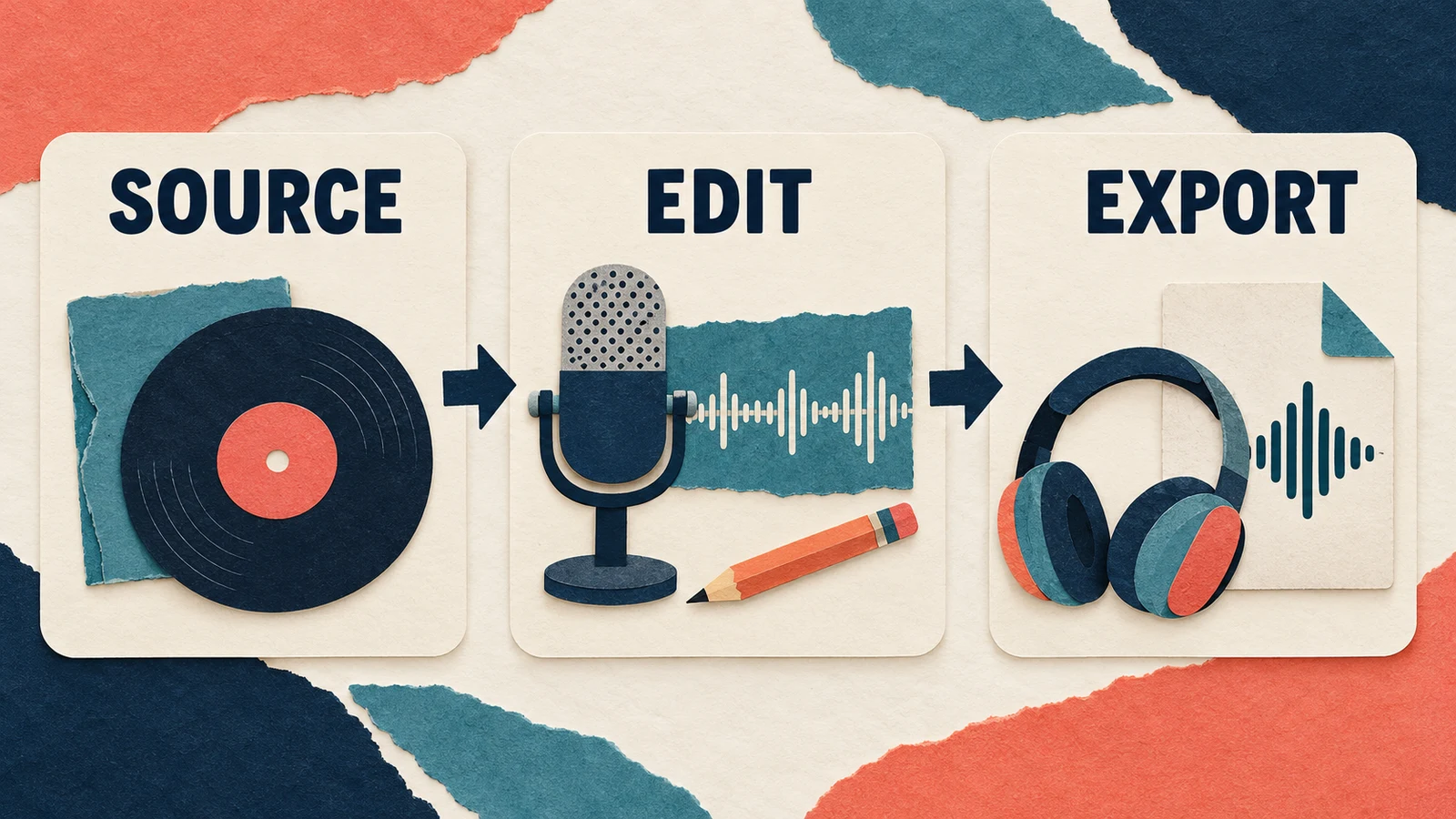
Keep the original theme, editable session, and exported episode separate. A reusable session can contain the approved music placement and level changes, while leaving room for the next episode's host recording.
Use clear version names. For example, distinguish the full theme from a short sting and from a voice-underlay edit. Keep a note explaining which one is approved for the regular opening. That is more useful than several files named “final.”
Before publishing, check the music source's current terms against the show's intended use, including any promotional clips you plan to make. Keep the relevant permission records with the source file. A short excerpt or an AI-generated track does not by itself answer every usage question. Our music permission checklist helps organize that review.
Listen to the exported episode
Play the actual export from the beginning. Check the first word, the transition into the discussion, and the last audible part of the theme. Confirm that the file contains the approved version.
Try headphones and a small speaker if those reflect how your audience listens. Use normal listening conditions rather than turning the volume up to compensate for unclear speech. Note any words you miss, abrupt fades, or music that draws attention away from the host.
If another person reviews the opening, ask a specific question: what did they understand the episode would discuss? Their answer can reveal an unclear introduction. It is useful editorial feedback, not a controlled test of audience retention.
Questions about podcast intro music
How long should the theme play?
Long enough to serve the opening, with no fixed duration required by this workflow. Compare a brief musical entrance with an edit that overlaps the first sentence. Keep the version that introduces the show clearly without making listeners wait for the subject.
Should I change the music every episode?
You can, but decide why. A consistent theme is easier to maintain as a repeatable production element. If an episode needs a different tone, preserve a clear versioning process so the change is intentional.
Can I put a song with vocals under the host?
You can audition it, but two simultaneous voices may compete for attention. An instrumental passage is a straightforward starting point. Choose based on how clearly the host can be understood in the finished edit.
Make the next episode easier to produce
Once the opening works, save the approved music, editable session, and brief listening checklist together. For the next episode, replace the spoken material and check the overlap again. Reuse the structure while judging the actual words and recording each time.