To check if a song is copyrighted, identify the exact track and recording, find the original source, and read the license or obtain permission for your intended use. A copyright checker can help identify a match. It cannot replace that permission.
For a video creator, the useful question is usually: What evidence shows I may use this recording in this video? A copyrighted track can come with a suitable license. A track described as “no copyright” can arrive with no reliable permission at all.
The workflow below helps you collect that evidence. Copyright rules vary by country; the legal background cited here comes from the U.S. Copyright Office. For an uncertain commercial release, have the rights reviewed before publication.
First, separate the song from its recording
There can be two different works to check: the composition, including lyrics, and the particular recorded performance. The U.S. Copyright Office explains that these are separate works; permission concerning one does not automatically cover the other.
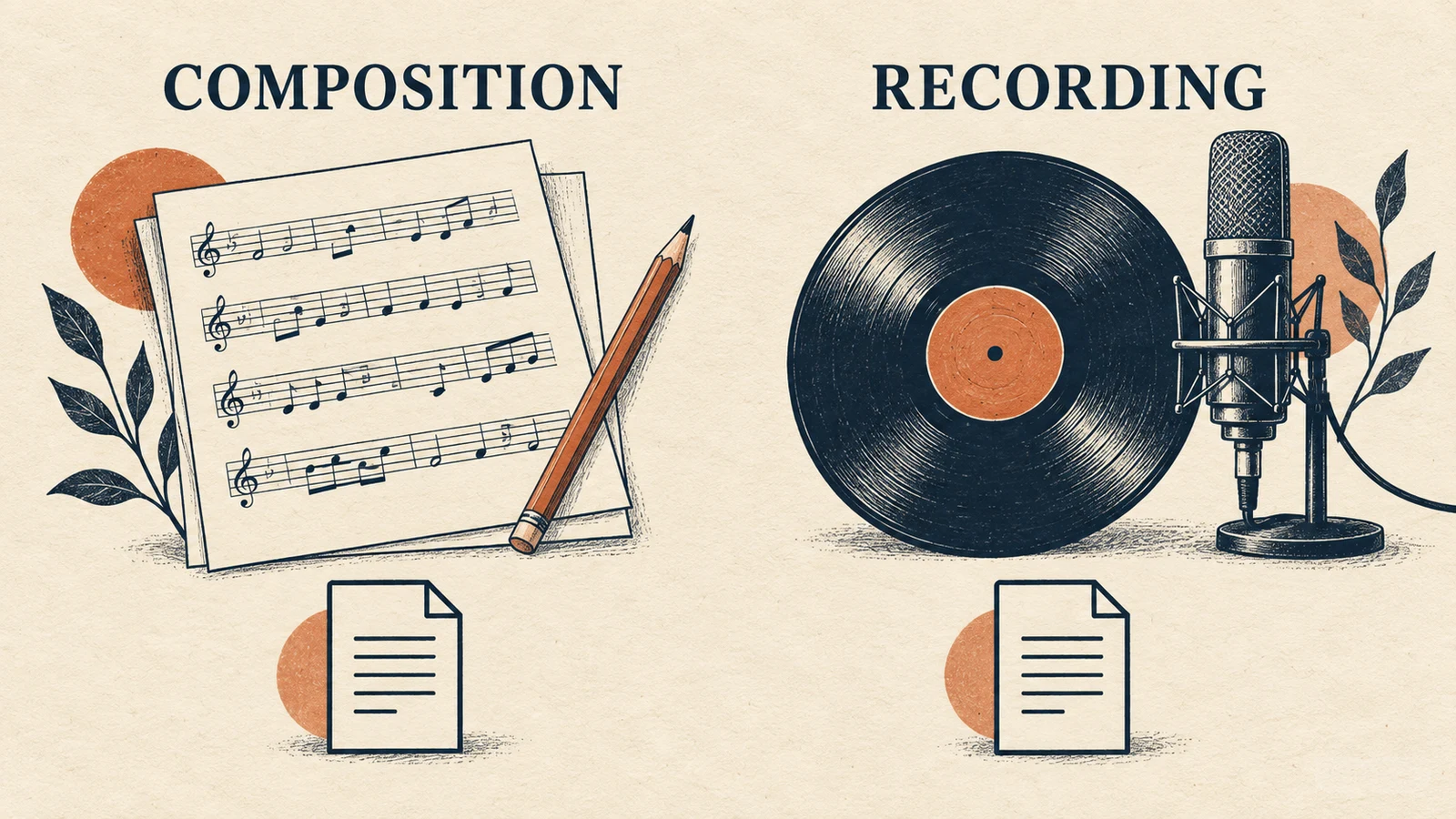
Imagine finding a recent piano recording of a very old tune. Even if you have established that the underlying tune is in the public domain where you will use it, you still need to investigate that recent recording. Searching only the composition's title leaves part of the question unanswered.
Do not rely on the absence of a copyright symbol, either. In the United States, protection generally begins when an original work is fixed in a tangible form; registration is not what creates it. The Copyright Office's general FAQ explains that distinction.
How to check if a song is copyrighted: a practical workflow
1. Identify the exact audio file
Start a note with the track title, credited artist, version, download URL and date. Include “live,” “remix,” “instrumental” or other version details when present. A filename such as background-music-final.mp3 is not enough to identify a recording later.
If the audio came from a repost, follow the credits back to the artist, label or original library. Recognition apps and search engines can supply leads, but finding a title is only the identification step. It does not establish permission to reuse the file.
If you cannot establish where the recording came from, keep looking or choose a different track. A familiar melody and an anonymous download link make a poor evidence trail.
2. Locate the terms attached to that track
Look for the license on the original track page, your download receipt, or the provider's terms. Check that it applies to the file you downloaded and the account or plan you used.
Read the actual conditions behind labels such as “free,” “royalty-free” and “Creative Commons.” For example, CC BY 4.0 allows commercial reuse subject to its terms, including attribution. CC BY-NC 4.0 adds a noncommercial restriction. Those licenses are not interchangeable.
Also check who supplied the license. A repost claiming a Creative Commons license is a reason to investigate the original source, not a substitute for it.
3. Match the license to your real project
Write a one-sentence description of the use before interpreting the terms. For example:
A paid product demonstration for a client, uploaded to the client's website and YouTube channel, with a shorter version used in social ads.
That description exposes questions that “Can I use this on YouTube?” misses. Use this table as a reading checklist; each answer must come from the applicable license or written permission.
| Project detail | What to look for |
|---|---|
| Monetized video or paid advertisement | Whether the terms cover the commercial use you intend |
| Work delivered to a client | Who holds the license and whether that delivery is covered |
| Several platforms or accounts | Any channel, platform or account restrictions |
| Shortened, looped or remixed audio | Any relevant editing or adaptation conditions |
| Required credit | The wording, links and placement specified by the license |
| Subscription-based download | What the terms say about use after cancellation |
An unanswered question stays unanswered. Do not turn silence in a short product description into permission. Ask the provider a specific question and keep the reply with the project.
4. Save the evidence alongside the audio
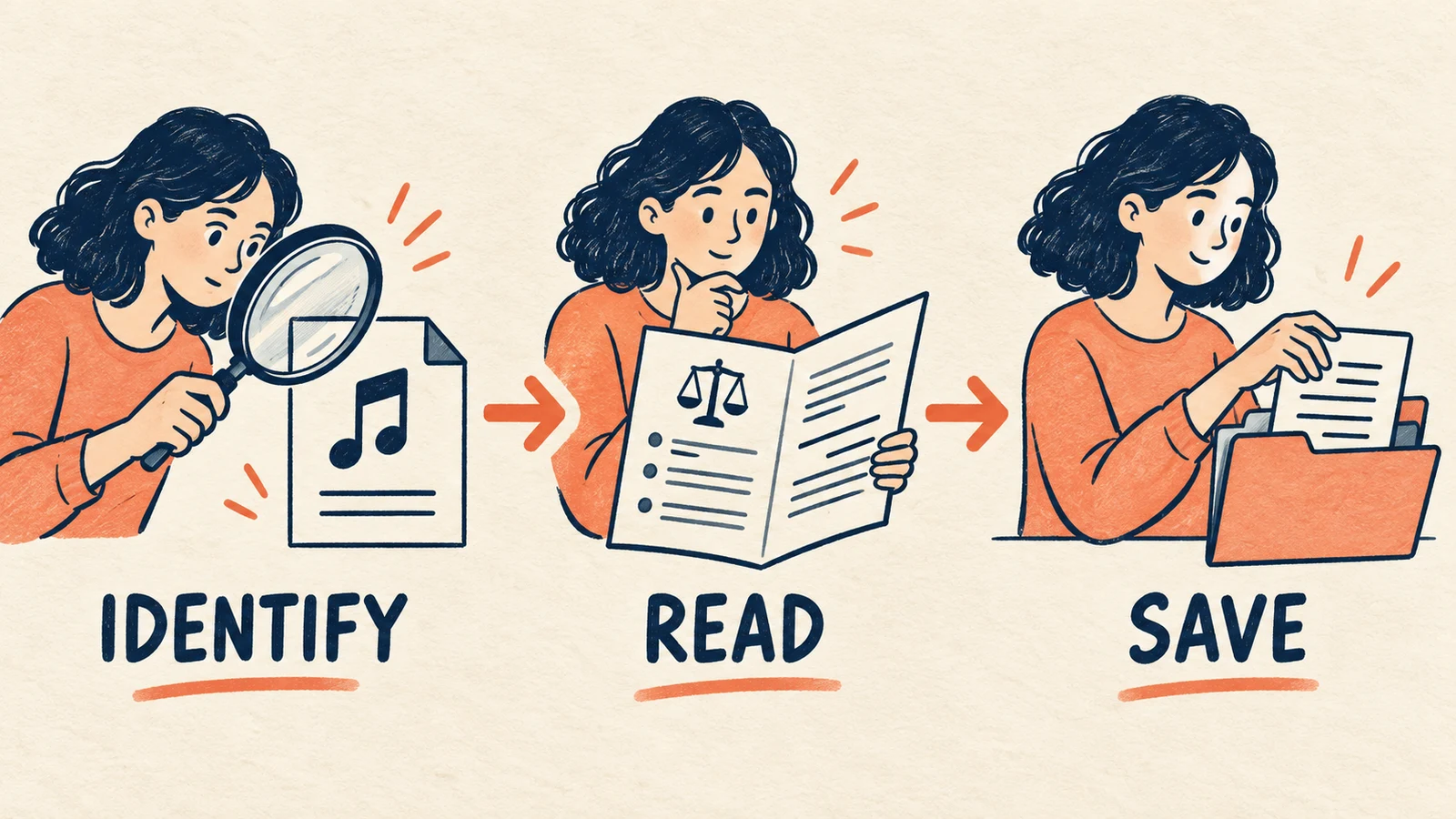
Keep a copy of the track page, the applicable license, any receipt or certificate, and required attribution. Record the date you obtained the file. This makes it easier to explain your choice if a client asks or a platform flags the music later.
A simple project note can be enough to organize those records:
Track and version:
Artist or provider:
Original track URL:
Downloaded on:
License name and saved copy:
Project, platforms and account names:
Required attribution:
Permission correspondence:
These records document your permission; collecting them does not create rights that the provider did not grant.
What a YouTube copyright check can tell you
YouTube's Content ID system compares uploads with reference files supplied by participating rights holders. A match can result in a claim that blocks, monetizes or tracks a video, depending on the rights holder's settings.
When uploading a video you have permission to use, review the Checks step before publication. If it identifies a claim, examine the track and claimant details and compare them with your records. Do not assume every claim proves your license is invalid, or dispute a claim without a valid basis.
The opposite result has limits too. YouTube explicitly says its copyright check results are not final. A clean check is not a license, a public-domain determination, or a promise that no later claim will appear. Private uploads are not a way to obtain permission through testing.
If the permission trail stops, replace the track
For a YouTube project, the YouTube Audio Library provides music through YouTube Studio, with attribution requirements shown for applicable tracks. Read the relevant terms before taking any track into another distribution context.
Another option is to create a new musical direction with an AI Music Generator. That changes how you obtain the audio, but you still need to check the service's terms and the rights in anything you supply. For AISongsGenerator, read the license information before using an output commercially. Our AI-generated music copyright guide addresses that separate workflow.
Common questions
Is a song safe to use if I give credit?
Credit can be a condition of a license, as with CC BY, but credit by itself does not establish that you have permission. Find the applicable authorization first, then follow its attribution requirements.
Does “royalty-free” mean there is no copyright?
Do not treat the label as a public-domain declaration. Read the license to determine the permitted uses, payment conditions and restrictions for that particular recording.
Can a copyright checker give me a definitive yes or no?
It can report what its matching system detects. That is different from reviewing ownership, the permission you obtained, and the rules applicable to your use. Keep the checker result separate from the license evidence.
When checking if a song is copyrighted, finish with a traceable source and terms that answer your project's questions. If you cannot show why the recording is usable, choose a track whose permission you can document before building the final edit around it.