Use AI-generated music in apps to support a specific moment
AI-generated music in apps is most useful when it has a clear job: supporting a guided session, establishing a game scene, or giving a user an optional background while they work. Adding a soundtrack to every screen is rarely a useful starting brief.
Separate two decisions. First, create and review the music. Second, define how the app plays it. A good track can still create a poor experience if it starts unexpectedly, covers spoken instructions, or ignores a user's mute preference.
This guide proposes five product scenarios and a handoff checklist. The scenarios are design examples, not claims about measured engagement or features supplied by a particular music-generation API.
Start with reviewed audio files before considering live generation
For an initial prototype, a small set of approved tracks is easier to inspect than a new, unreviewed output on every visit. You can check their endings, transitions, unwanted vocals, and behavior under narration before users hear them.
Live generation is a separate product decision. It introduces questions about availability, waiting time, moderation, cost, and what happens when a request fails. Do not choose it merely because the source music was made with AI.
AISongsGenerator's music generator can be used to explore instrumental ideas for review. This article does not describe a public AISongsGenerator API or an embedded generation integration. Check download access and the applicable rights before planning to include any output in an app.
1. A guided audio session with music under the voice
For a meditation or reflective listening session, the music's job may be to remain behind narration. Brief it as a restrained accompaniment, rather than as a full song that happens to have no lyrics.
An original starting prompt:
Instrumental background for continuous spoken guidance. Warm sustained keyboard tones, very sparse melodic movement, no drums, no vocals, and no dramatic rises. Gentle entrance and an ending with room for the final spoken sentence.
Test it with the actual narration. Give the user separate control over background music where practical, so someone can keep the guidance while turning the accompaniment down or off. Define what happens when the session is paused: the voice and music should not drift into different states.
Our meditation music prompt guide offers more arrangement options. These are creative choices, not claims of therapeutic effects.
2. A casual game's scene or menu music
A small game can use different cues for a menu, exploration, and a completed level. Write each brief around the scene's role. A menu may need a repeatable, understated passage; a completion cue may need a short, resolved ending.
Keep essential game information available without the music. A player who mutes the soundtrack should still understand success, failure, and the next action through the interface.
Review repeated playback and scene transitions. A track that works once can become tiring after several loops. Also check what happens if a player moves rapidly between screens: avoid restarting the same opening on every small navigation change unless that behavior is intentional.
3. A focus timer with an optional background
A timer app might offer a small selection of instrumental backgrounds after the user starts a work block. The soundtrack is an option, not evidence that the app improves concentration.
Make the quiet state useful too. Remember the person's preference, and decide whether music pauses when the timer pauses or continues independently. Either model can be understandable if the controls and labels make it clear.
A useful prototype question is whether people can start the timer and adjust sound without leaving their task. Do not spend the first version building a large catalog before testing those basic controls. For a balanced discussion of listening while working, see our lo-fi study music guide.
4. An interactive story with chapter-level cues
An illustrated story or narrative app can use music to establish the mood of a chapter. Prepare a few coherent cues rather than changing the soundtrack after every tap.
If the story has narration, evaluate speech intelligibility with the music playing. If it includes silent reading, consider whether the user wants any background at all. Keep the audio choice accessible without hiding the text or losing the reader's place.
Document transitions explicitly: finish the current phrase, fade between cues, or stop at the chapter boundary. The app should not have to guess that behavior from a filename such as “gentle-final-v3.”
5. A creation app's preview soundtrack
A slideshow, journal, or video-making app might let users audition a soundtrack before choosing it for their project. The important distinction is between hearing a preview inside your app and exporting music inside a user's finished video.
Resolve the rights for both actions before shipping. Do not assume a license that permits background playback also permits redistribution in user exports or access to the underlying audio file.
The preview controls should make the selected track and its state clear. Stop the previous preview when a new one starts, keep volume changes predictable, and show when an audio asset is unavailable. A failed preview should not leave the app displaying a playing state with no sound.
Give users control over app music
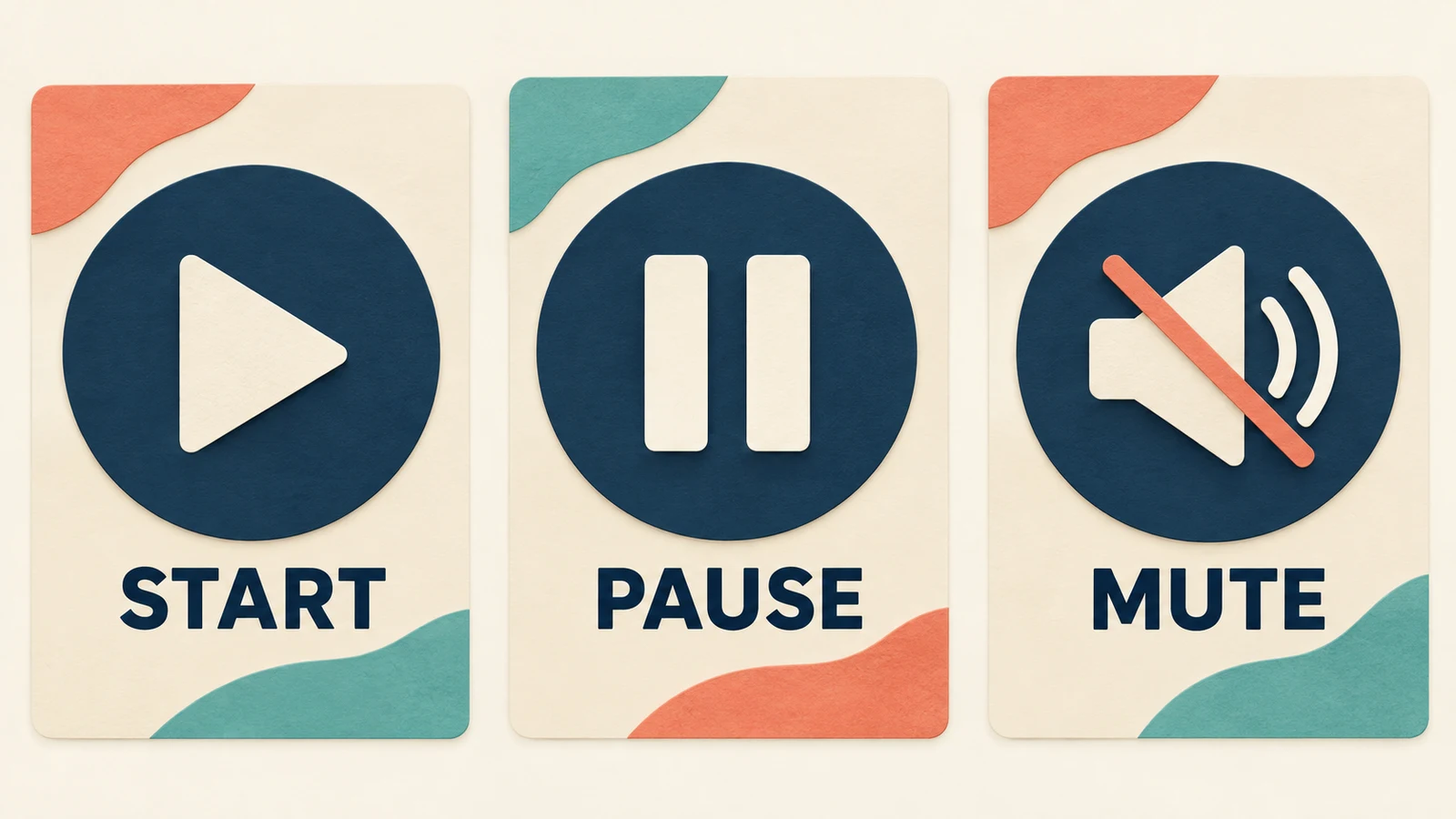
Treat start, pause, stop, and mute as behavior to design, not just icons to add. Decide what is remembered across visits, how background playback works, and what happens when another audio source interrupts.
For web experiences, WCAG's Audio Control guidance says automatically playing audio lasting more than three seconds needs a pause/stop mechanism or volume control independent of overall system volume. It also explains why automatic sound can interfere with screen-reader output. That criterion is one requirement, not a complete accessibility audit. Starting music only after a deliberate user action is a useful design default.
For Android, the official audio-focus documentation explains how apps coordinate competing audio sources. The implementation should respond appropriately when focus changes rather than assuming music can keep playing over everything else. Platform version and app behavior affect the details, so developers should follow the documentation for the target environment.
Hand off audio, behavior, and permission together
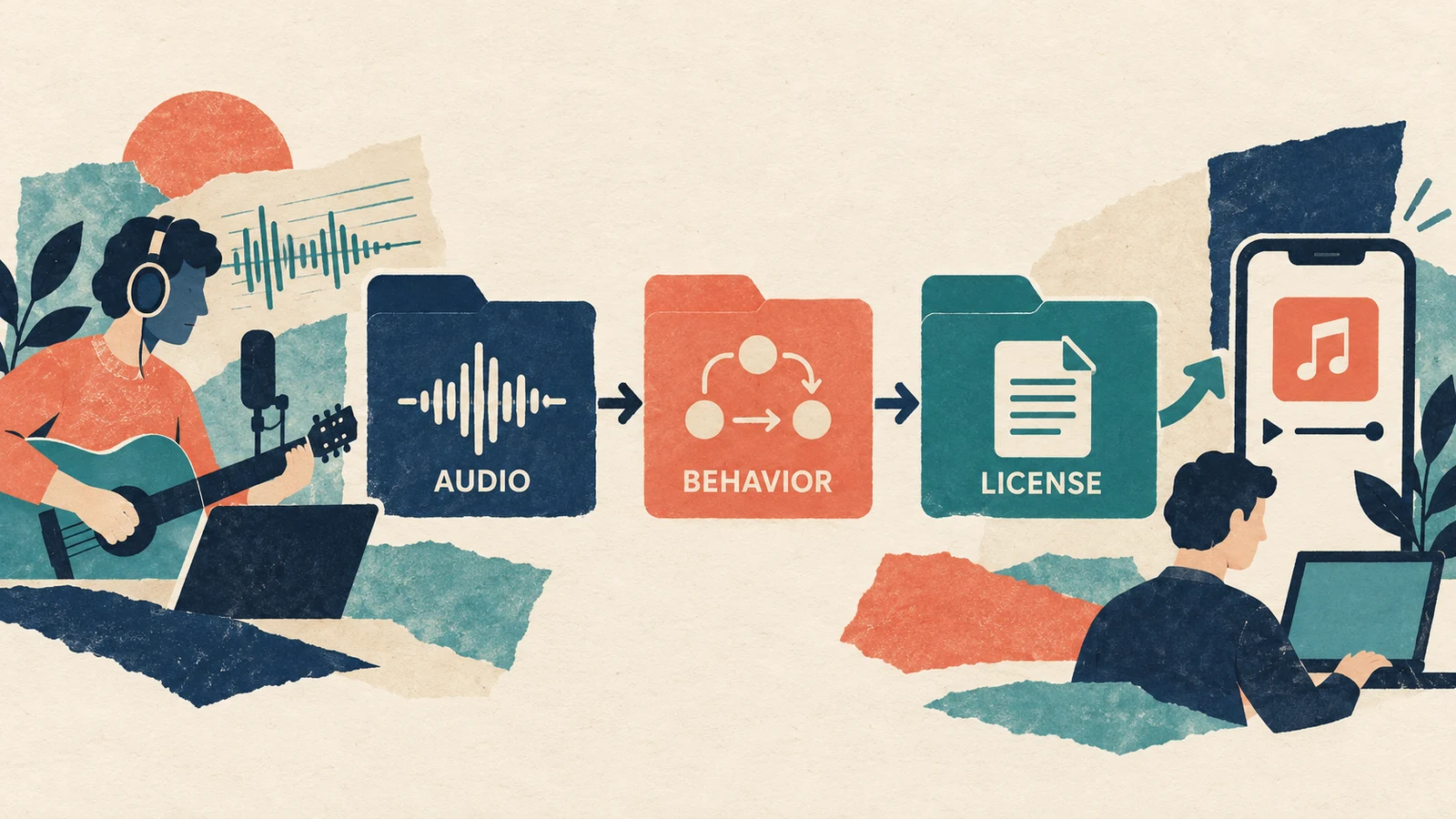
For each approved cue, prepare a compact record:
| Area | What to document |
|---|---|
| Audio | Final file, version, duration, and any reviewed loop points |
| Role | The scene or user action it supports |
| Playback | Start trigger, pause behavior, ending, and transition rule |
| Controls | Volume, mute, and the preference that persists |
| Failure | What the interface does if the asset cannot load |
| Permission | Source, applicable terms, and authorized uses |
For example, a focus cue might start only after the user selects music, pause with the timer, and remain muted on the next visit if that was their last choice. Those are proposed behaviors to test, not universal requirements for every app.
If a cue needs an exact duration, measure and edit it. A written generation prompt does not establish the final length. Our music-length editing guide covers selecting passages, loops, and endings.
Check the intended license before distributing the app
Describe the real distribution model when checking terms: bundled files or streamed audio, free or paid app, offline access, user-generated exports, and whether users can obtain the original music file. These distinctions can change what permission is needed.
Keep the generation and export records with the relevant terms. If the intended use is not clearly covered, obtain clarification from the provider before relying on it. A “commercial use” label alone should not be treated as an answer to every embedding or redistribution question.
Questions about AI music in applications
Does the app need to generate music in real time?
No. A reviewed catalog can serve many of the scenarios above. Real-time generation needs its own design, engineering, cost, and rights assessment.
Can a generated track be used as a seamless loop?
Only after checking the actual audio. Listen across the repeated boundary and test it in the app's player. A loop-friendly prompt is not a guarantee of a seamless join.
Should music start as soon as the app opens?
A deliberate user start is a sensible default for optional background music. Consider the user's existing audio, accessibility needs, and expectations rather than treating autoplay as necessary for atmosphere.
Begin with one cue and a complete playback flow
Use AI-generated music in apps where it supports a specific experience. Start with one reviewed cue, clear controls, a defined failure state, and permission for the actual distribution model. Expand the catalog only after that complete flow works for users.