Start with one scene you can actually play
The most useful first step in making video game music is to choose one playable scene and decide what its music must do. Create or select a short musical idea, prepare its repeat behavior, and listen while playing. Expand the soundtrack after that small scene works.
A track can sound impressive in isolation and still distract from a puzzle, obscure an important sound, or restart awkwardly whenever the player opens a menu. Your first goal is a cue that supports the experience, not a complete album.
The examples below use an imaginary island exploration game. They are proposed creative exercises, not reports of a tested game or measured player response.
Write a scene brief before a music prompt
Describe what the player is doing, what they need to notice, and how long they might remain in the area. Unlike a fixed video sequence, a playable scene may continue while the player hesitates, explores, or repeats an action.
For the island example, a useful brief might be:
The player searches a quiet shoreline for a route to the lighthouse. The music should feel curious and calm, leave room for footsteps and environmental clues, and remain comfortable while the player stays in the area.
That is more actionable than “epic game soundtrack.” It tells you what to keep out of the arrangement as well as what to include.
Keep a small cue list:
| Scene or event | Musical job | Playback question |
|---|---|---|
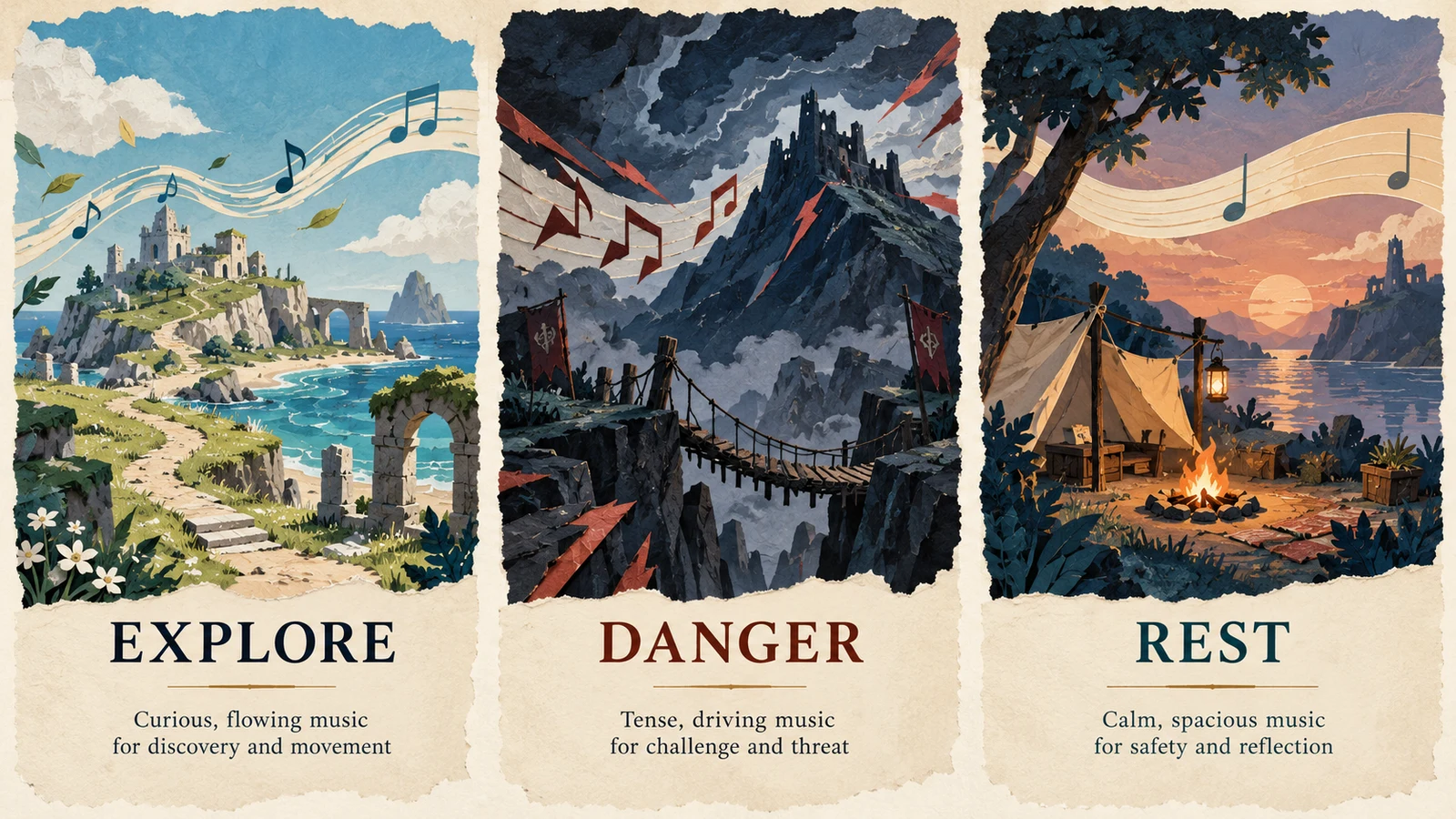
| Shoreline exploration | Support curiosity without suggesting urgency | Can it repeat without an obvious ending? |
| A dangerous crossing | Increase tension while leaving warnings audible | What starts and stops this cue? |
| A sheltered camp | Give the scene a quieter character | Does it continue when a menu opens? |
| A completed objective | Mark the result briefly | Does it interrupt or sit over the current music? |
You do not need a separate track for every row immediately. The list helps you decide which behavior to implement first.
Choose a small musical palette
Pick a few sounds that belong together. For the shoreline, you might try soft keys, a restrained plucked motif, and a light pulse. Keep the melody simple enough that you can recognize whether a later cue feels connected to it.
Change one aspect when exploring another scene. A danger cue could use a denser rhythm while retaining the same instrumental colors. A rest cue could remove the pulse. These are compositional options to audition, not rules that guarantee a particular emotion.
If you use generated music, compare candidates against the scene brief. Do not assume separately generated tracks will share a theme or align as interchangeable layers. Listen for differences in instrumentation, pacing, and overall level before treating them as a set.
For a prototype, one coherent cue is a better starting point than several unrelated pieces chosen only because each sounds attractive on its own.
Use AI to explore a cue, then edit the result
Try this original prompt in AISongsGenerator's music generator, using Instrumental when you want no singing:
Instrumental music idea for a quiet island exploration scene. Soft keys, a sparse plucked motif, warm low tones, and a gentle steady pulse. Curious and calm rather than triumphant. Leave space for footsteps and environmental sounds. Avoid vocals, sudden drops, a long buildup, and a dramatic final cadence.
The prompt describes a direction. It does not guarantee a seamless loop, an exact tempo, or a specific duration. Download and editing availability depend on the service and your access; check what is available before planning the final delivery.
Audition the result beside the scene, then select a passage that suits the job. If the arrangement keeps pulling attention away from gameplay, try a simpler direction rather than adding more instructions to preserve a crowded track.
For a project that needs precise thematic continuity or detailed revisions, consider the delivery questions in our AI music and human composer comparison.
Treat looping as an editing and playback task
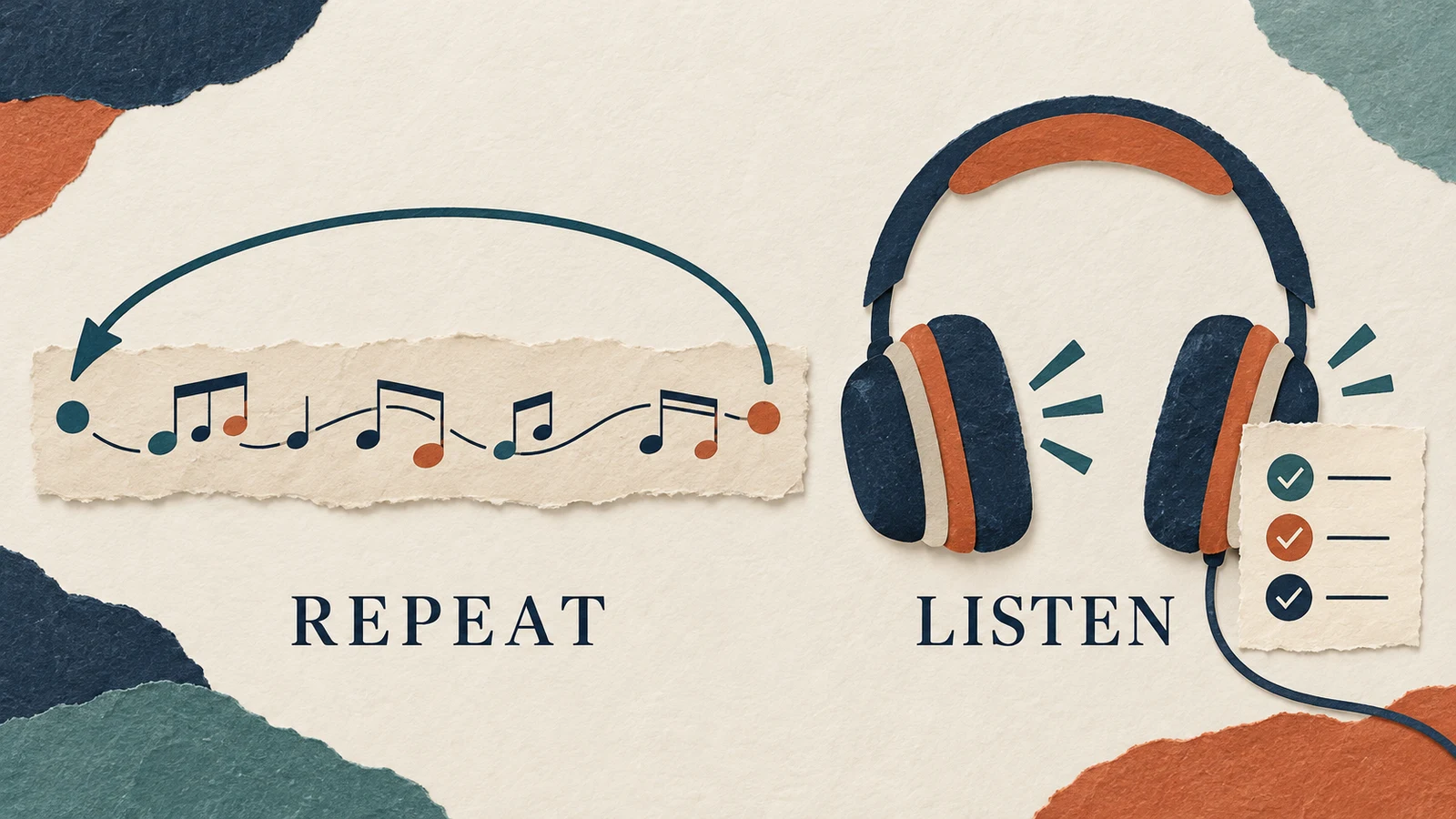
A loop needs a musical return that feels intentional. Listen across the boundary where the end returns to the start. A repeated section can reveal a clipped tail, a pause, a sudden change in level, or a chord that seems to demand an ending.
Work from a copy of the original export. Choose a repeatable phrase, check the entry and exit points, and audition several repetitions in your audio editor. If you use a crossfade, listen for overlapping notes or a blurred rhythm; a fade is not automatically the right repair.
Do not judge only the waveform. A technically quiet cut can still be musically awkward. Conversely, a deliberate rhythmic restart may be appropriate if it matches the style and remains unobtrusive in play.
Keep any introductory flourish separate in your plan if you want it to play only once. Otherwise, the player may hear the same entrance every time the loop repeats.
Check the engine's actual import settings
File preparation and engine playback are separate checks. Consult the documentation for the engine version you ship rather than assuming the editor's repeat behavior carries over automatically.
For example, Godot's stable audio-import guide documents WAV, Ogg Vorbis, and MP3 imports. For Ogg Vorbis and MP3, its Loop option repeats playback, while Loop Offset specifies the return point in seconds. WAV has separate loop-mode and loop-point settings. These details are Godot-specific; other engines can handle looping differently.
Import the actual export you intend to ship and test it in the game. Check the loop boundary again after conversion or import. Keep a higher-quality source file for future editing rather than repeatedly re-encoding the same compressed copy.
This guide covers the musical preparation and acceptance checks. It does not imply that AISongsGenerator configures engine playback or produces a ready-made adaptive music system.
Make the first transition predictable
Start with a simple rule, such as changing from exploration to danger when the player enters a clearly defined area. Decide what should happen when they leave it again.
Write the behavior in plain language before implementing it:
- What event requests the change?
- Does the current cue stop immediately, fade, or finish a phrase?
- Where does the next cue start?
- What happens if the player crosses the boundary repeatedly?
- Can two cues accidentally remain audible together?
A transition that works once may become distracting when the player turns back several times. Test that behavior deliberately. If rapid changes sound unstable, revise the trigger or transition design with the game's developer rather than trying to solve everything inside the music file.
Listen while doing the real task
Play the scene with its sound effects enabled. Pay attention to the information the player needs: a warning, a spoken line, a menu confirmation, or an environmental clue.
Then try situations beyond a clean walkthrough. Stay still, repeat an action, open and close menus, restart after failure, and leave the area before a cue finishes. Test music-volume and mute controls too. A quiet cue that restarts at full volume after a scene change is a playback problem worth catching early.
Record concrete notes: “the loop has a gap,” “the warning is hard to hear,” or “the rest cue keeps playing after leaving camp.” These lead to specific fixes. “The music feels wrong” needs another pass to identify the cause.
For additional playback planning, see our guide to using AI-generated music in apps. Keep your game's own requirements as the final test.
Questions about a first game soundtrack
How many tracks should I make first?
Start with one cue in one playable scene. Add another when you have a clear need, such as a distinct gameplay state or a short result cue. The cue list should follow the game rather than a target track count.
Does every game need adaptive music?
No. A simple repeating cue or a small set of scene-based tracks may fit the first version. Introduce more complex behavior when it solves a specific experience problem and you can test the transitions.
Can I use generated music in a released game?
Check the service's current terms and the permissions for any material you supplied against the planned release. Save the relevant records with the audio files. Do not assume that generating a track automatically settles every distribution or usage question.
Finish the small scene before expanding
Keep the brief, source audio, edited export, and playback notes together. Once the cue repeats cleanly, leaves important sounds audible, and behaves correctly during play, use what you learned to plan the next scene. A working musical moment gives the rest of the soundtrack a concrete foundation.