
Suno download limits are separate from song generation
Suno's published standard download allowances are 20 songs per month for Pro and 60 for Premier. Free trial downloads are limited and do not renew monthly. The important distinction is that generating a song and exporting it are separate actions: a large generation-credit balance does not necessarily mean you have downloads remaining.
This guide checks the official policy as of October 8, 2026. It covers how downloads are counted, when allowances reset, and what to check when your account does not behave as expected. It is based on documentation, not a test of a paid account.
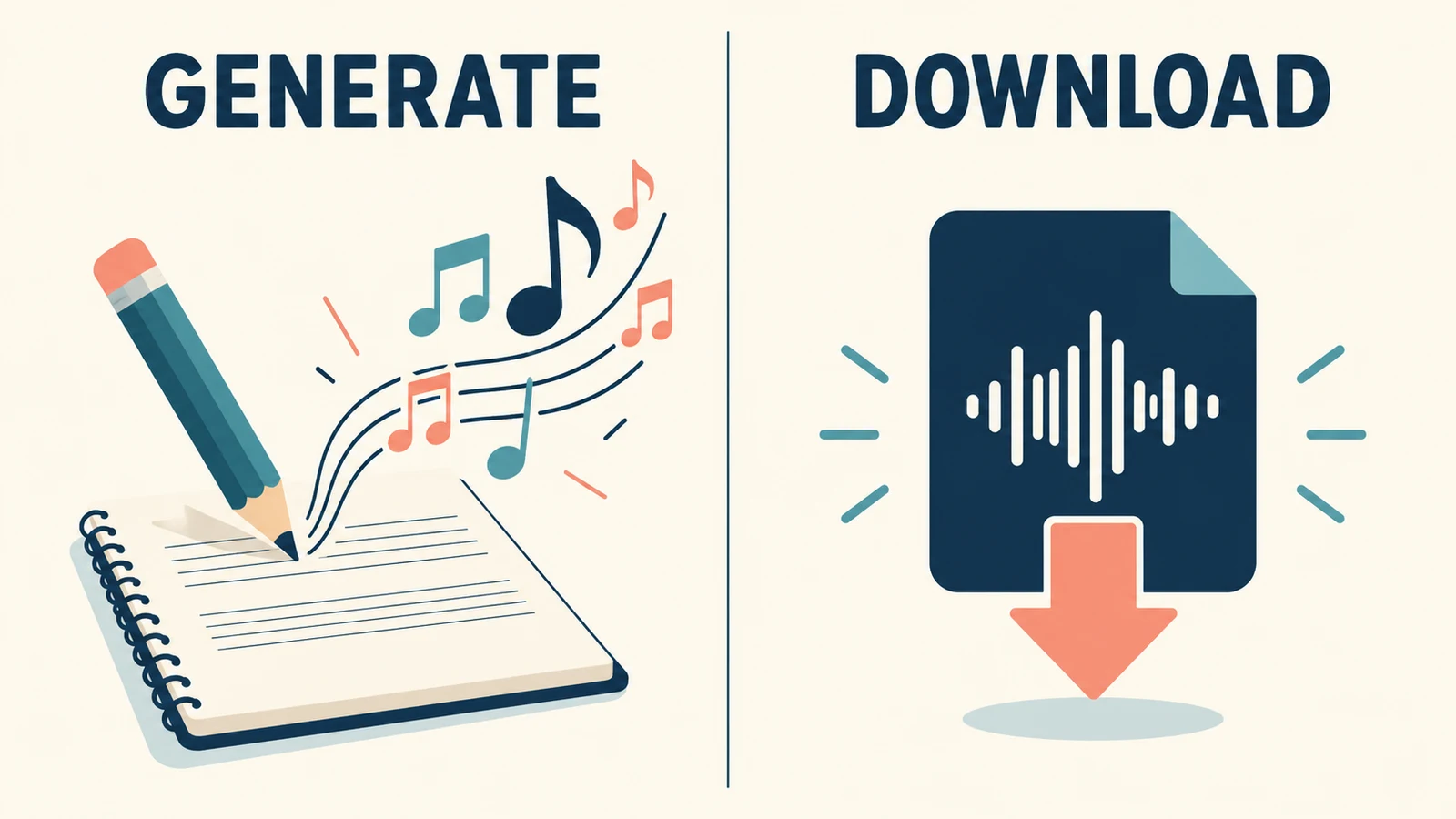
Compare the published Suno download allowances
The Suno pricing page lists 20 monthly song downloads for Pro and 60 for Premier. These are download allowances, not a count of how many songs you can create.
| Account or workflow | Published download allowance | Planning note |
|---|---|---|
| Free | Limited lifetime trial downloads, subject to the eligibility wording discussed below | Do not assume a monthly refill |
| Pro | 20 song downloads per month | Check your account's billing date |
| Premier | 60 song downloads per month | Standard downloads and Studio workflows are distinguished in the policy |
| Suno Studio workflows | Official guidance says these workflows are outside the standard download limits | Check that your plan includes Studio and that you are using that workflow |
The table does not promise access to every file format or editing feature. A rule about how a download is counted is different from a rule about which features your plan includes.
Why the free-plan wording needs care
Suno's free-trial help page says free accounts include up to seven lifetime trial downloads. It also says these are for personal, non-commercial use and do not renew monthly.
However, the footnote in Suno's download policy announcement is more specific: users who joined before September 3, 2026 have up to seven trial downloads, while those joining on or after that date may occasionally receive trial downloads. Both groups are described as able to purchase additional downloads.
Those statements do not give an unambiguous promise that every new free account receives seven exports. Check the allowance actually shown in your account, and ask Suno support if it conflicts with the published guidance. Do not choose a deadline-dependent workflow on the assumption that a free export will appear later.
For help turning your own words into a vocal demo, see our free lyrics-to-song workflow comparison. The export question should be settled separately from whether the song sounds right.
What counts as one download?
Suno's subscription download guide describes counting by song rather than charging for every repeated file transfer.
| Action | What the help guide says |
|---|---|
| Download the same song again | Does not consume another download |
| Download the same song in multiple formats | Still counts as one download |
| Download stems for that song | Included with that song's download |
| A download fails or is interrupted | Does not count against the allowance |
| Reach the available limit | Additional downloads can be purchased |
The same guide states that Suno Studio workflows are not subject to these limits. This is a documented exception, not a claim that every download made by a Premier subscriber is automatically unlimited.
For planning, count the distinct songs you intend to export. Do not assume that a new variation, remix, or separately generated version is the same song for accounting purposes. If that distinction affects a large export batch, verify it with the account controls or support before proceeding.
When do download credits reset, and do they roll over?
For Pro and Premier, the reset guidance says allowances renew monthly on the billing date. It is not a universal reset on the first day of the calendar month. Free lifetime trial downloads do not reset.
For example, if your account shows a monthly reset on the 18th, plan against that displayed date rather than expecting a refill on the 1st. This is a scheduling example, not a statement about your particular account.
Suno's rollover article distinguishes three balances:
- Monthly subscription downloads do not carry into the next month.
- Individually purchased downloads and purchased download packs roll over.
- Unused free trial downloads carry over, but the trial allowance does not refill.
The same article says annual subscriptions receive monthly top-ups following the original purchase date. Paying annually therefore should not be interpreted as receiving the whole year's standard allowance in a single pool.
Keep purchased downloads separate from the monthly allowance in your own notes. The rollover article does not establish which balance your account will deduct from first, so do not invent a spending order when planning a batch.
Do limits apply to songs created before the change?
Yes. Suno's older-song guidance says the limits apply across the library, including songs made before the new policy. For Pro or Premier, downloading an older song counts toward the current monthly allowance unless you have already downloaded that song before.
The creation date alone is therefore not the deciding factor. When organizing an older catalog, distinguish songs already exported from songs you have only listened to online.
That help page also confirms that reaching the download limit does not remove the ability to listen to and share songs on Suno. A playable library and available export credits are different parts of the service.
A practical workflow before exporting a batch
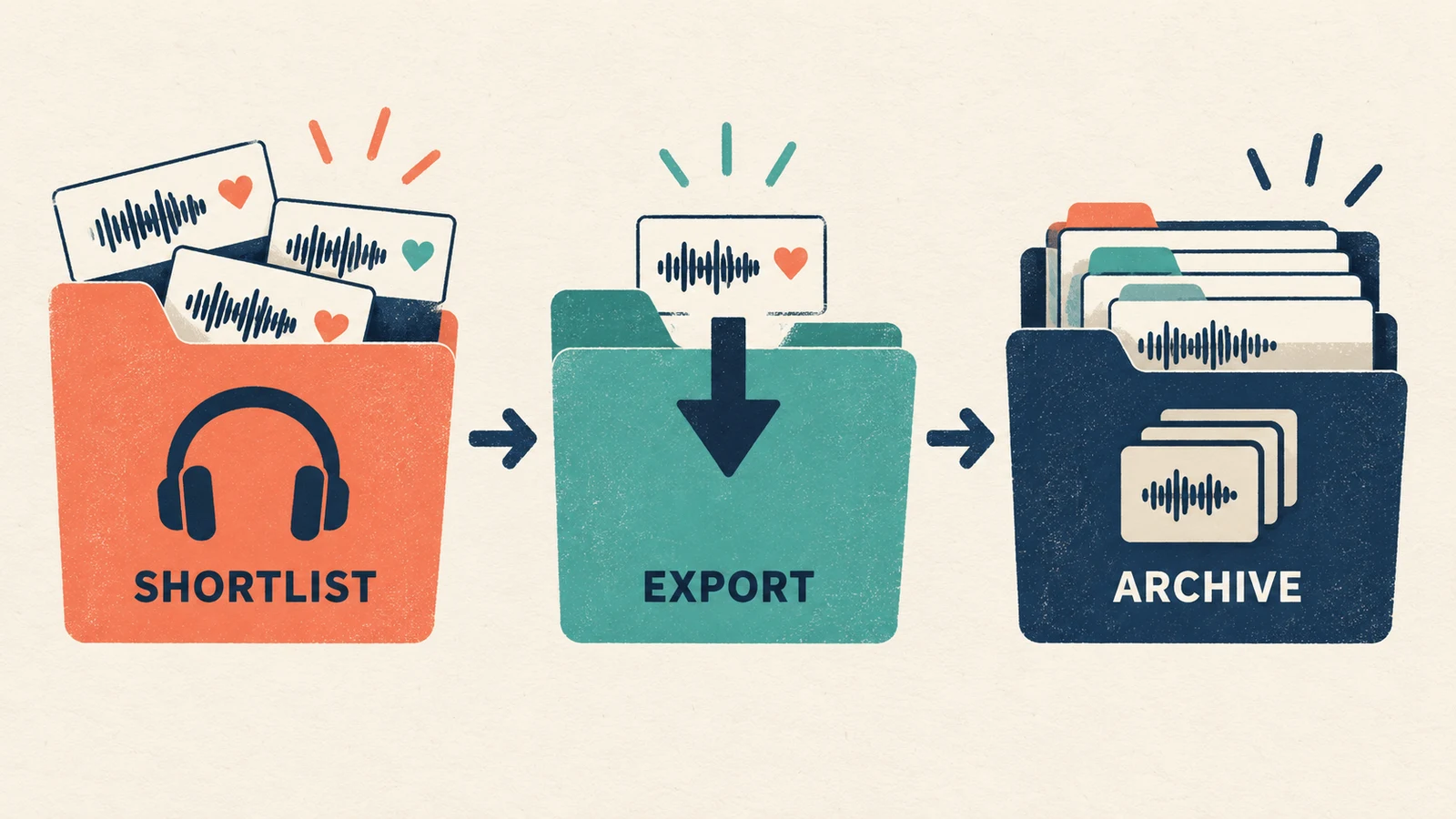
Make a shortlist before starting a large download session. Listen through each candidate and decide which version actually belongs in the project. This avoids spending time organizing files you already know you will not use.
A useful export checklist is:
- Confirm the signed-in account, plan, available downloads, and next reset date.
- List the distinct songs you need, including older tracks not previously downloaded.
- Check the formats and features available to that account.
- Prioritize files needed for a real editing or delivery deadline.
- After downloading, open each file locally and confirm it is the intended version.
- Keep the source song link, export date, and relevant usage terms with the file.
Name files so that you can distinguish the source song from your later edits. For example, keep an original export separate from a 30-second video cut. Our guide to matching music to video length covers that editing stage.
Do not equate possession of a file with permission for every use. Trial downloads are described as non-commercial, and other uses depend on the applicable terms. If you are supplying music to a client, check those conditions before promising the deliverable.
If a download fails or the balance looks wrong
First identify the problem: an exhausted allowance, a missing feature, an interrupted transfer, or an account mismatch. Record the error message, song link, current plan, and time of the attempt. Check whether the file actually arrived before retrying.
The documented rule says interrupted downloads should not consume an allowance. If your balance appears to fall after a failed transfer, give support those details rather than assuming that every retry should be charged. Do not share passwords or payment details in a public troubleshooting post.
For an urgent deadline, use only the options the account actually offers, such as an eligible existing export, a purchased allowance, or an included Studio workflow. Avoid depending on an unverified workaround or a promised reset time that your account does not show.
Questions about Suno download caps
Does downloading MP3 and WAV use two credits?
The published counting rule says multiple formats of the same song count once. That does not establish that every account has access to every format.
Will subscribing annually remove the monthly cap?
The rollover documentation says annual subscribers still receive monthly top-ups. Check the plan details and Studio exception separately rather than assuming annual billing means unlimited standard downloads.
Should I upgrade just because I reached the limit?
Compare your actual upcoming export needs with the options and prices shown in your account. Include the reset date and any purchased balance. A higher plan is not automatically the appropriate choice for a one-off batch.
Plan exports around songs and the reset date
Suno download limits are easier to manage when you separate creation from export, count the distinct songs you need, and use your own billing date. Keep account-specific eligibility in view, especially on the free plan, and verify the local files after downloading. The goal is a usable, organized project—not a full folder of every experiment.