Free AI lyrics-to-song tools can help you hear a draft
Suno and Udio let you supply your own lyrics instead of asking the system to invent the words. That makes them useful places to hear how a verse or chorus might work with generated singing and accompaniment. But a free AI lyrics-to-song tool is not necessarily a free way to obtain a downloadable track for a video or release.
Check three things separately: whether you can generate a song, whether you can export the file, and whether the terms permit your intended use. Those distinctions matter more than a long list of tools with a “free” badge.
The comparison below follows official documentation checked on October 3, 2026. It is a workflow comparison, not an audio-quality ranking or a report of hands-on testing.
| Tool | How you supply lyrics | Useful starting point | Main limitation to check |
|---|---|---|---|
| Suno | Custom mode | Hearing an original verse and chorus as a song | Free trial downloads depend on account eligibility and are for personal use |
| Udio | Custom lyrics option | Exploring a sung arrangement within the platform | Official documentation says audio, video, and stem downloads are disabled |
If you need a file for a client tomorrow, resolve the export question before spending your time refining a draft.
Suno: use Custom mode, then check your download eligibility
Suno's own-lyrics guide directs users to Custom mode to enter their words. It also says you retain ownership and rights to original lyrics you submit. That statement concerns your original writing; it does not remove the service's separate rules for generated audio.
Keep the lyric text in the lyrics field and describe the musical direction separately. Start with one verse and a chorus you can review closely. A short draft makes it easier to notice a skipped line, a changed word, or a phrase that needs more breathing room.
For example, your style direction might be:
Warm acoustic pop, restrained drums, a clear solo vocal, conversational verses, and a chorus that opens up without becoming shouted.
This describes musical qualities without depending on a named artist imitation. It is a suggested brief, not a guarantee that the output will follow every detail.
Free generation does not guarantee free downloads
Suno's download policy announcement describes changes effective September 3, 2026. Free users who joined before that date have up to seven trial downloads; users joining on or after that date may occasionally receive trial downloads. The announcement also describes options to purchase downloads. Trial downloads do not renew monthly and are not eligible for commercial use.
Do not assume a new free account automatically includes seven exports. Check the allowance displayed in your account and the current terms before planning a finished project around it. Nor should you treat the number of songs you can generate as the number you can download.
For the broader creation process, see our Suno workflow guide. For download eligibility, use the current official policy linked above.
Udio: custom lyrics for an in-platform demo
Udio's custom-lyrics instructions explain how to choose Custom under the lyrics controls and enter your text. Write a musical description as well, so the system has direction beyond the words alone.
Its credit documentation lists a daily free allowance and an additional monthly limit. Generation length affects credit cost, and longer generations have separate free-account limits. Look at the current account controls before deciding how many alternatives to make; do not interpret a credit as an entire finished song.
The decisive constraint is export. Udio's partnership update states that downloading audio, video, and stems has been disabled. That makes it a different proposition from a tool that delivers an audio file for your editor.
Choose this route when hearing and comparing an arrangement within Udio serves your immediate purpose. If you need a downloadable deliverable, check whether the official restriction has changed before committing to that workflow. A paid subscription should not be assumed to remove a platform-wide restriction.
Prepare your lyrics before spending generation credits
A song generator has to fit words into rhythm and melody. Give it a draft with clear line breaks and recognizable sections, then judge the result against that draft.
Use this original short example as an editing exercise:
[Verse]
The last train leaves a line of light
I fold your letter for the night
The platform clears, the rain moves in
I read the place where we begin

[Chorus]
Leave a little light for me
Somewhere down this empty street
If the morning takes its time
Leave a little light for me
The section labels express your intended structure. They are guidance, not a guarantee that every model will interpret them identically. Keep a clean copy of the words outside the generator so you can compare what you submitted with what was sung.
Before generating:
- Read the lines aloud at a steady pace. Split sentences that leave no comfortable place to breathe.
- Remove prose notes from the lyric body. Put instrumentation and vocal direction in the appropriate prompt controls.
- Decide which line is the hook. Keep its wording consistent while testing musical variations.
- Check that you have permission to submit the material. For a private draft, review the service's sharing and privacy settings before uploading it.
You do not need every line to have exactly the same syllable count. You need enough rhythmic clarity to tell whether a difficult passage comes from the writing or the generated delivery.
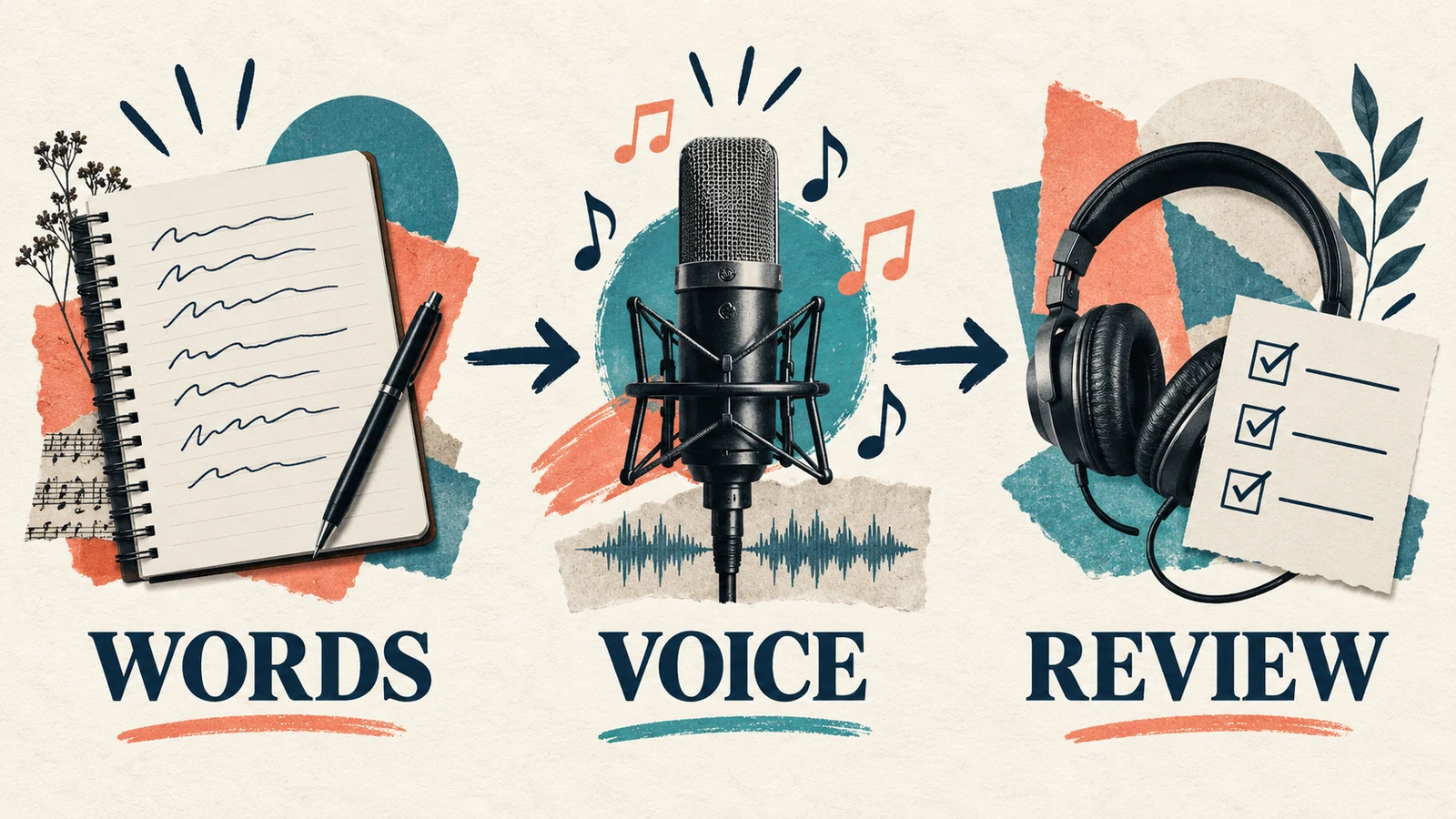
Review the singing before asking for more versions
Listen once while reading your original text. Mark omitted words, added words, repeated lines, and pronunciation problems. Then listen without reading: does the chorus remain understandable, and do the important words receive natural emphasis?
Separate lyric problems from arrangement problems. If a line sounds rushed in several versions, shorten it or move part of the thought into the next line. If the words fit but the accompaniment overwhelms them, keep the lyric and simplify the musical brief.
Change one thing per revision. For example:
| What you hear | A useful next revision |
|---|---|
| A long line is compressed into a hurried phrase | Shorten the line while preserving its meaning |
| The chorus is hard to distinguish from the verse | Ask for a clearer change in energy or instrumentation |
| A name is consistently pronounced incorrectly | Try a careful phonetic spelling in a duplicate draft |
| The voice sounds too forceful for the lyric | Describe a softer delivery and less dense accompaniment |
Save the original spelling alongside any pronunciation workaround. Otherwise, the version you use to guide the singer can accidentally become the version you publish as written lyrics.
For another workflow, AISongsGenerator's AI Song Generator offers an Own Lyrics mode. Check the current pricing and download conditions before choosing it for an export task. This is a separate option, not a claim that every generation or download is free.
Check creation, downloads, and intended use separately
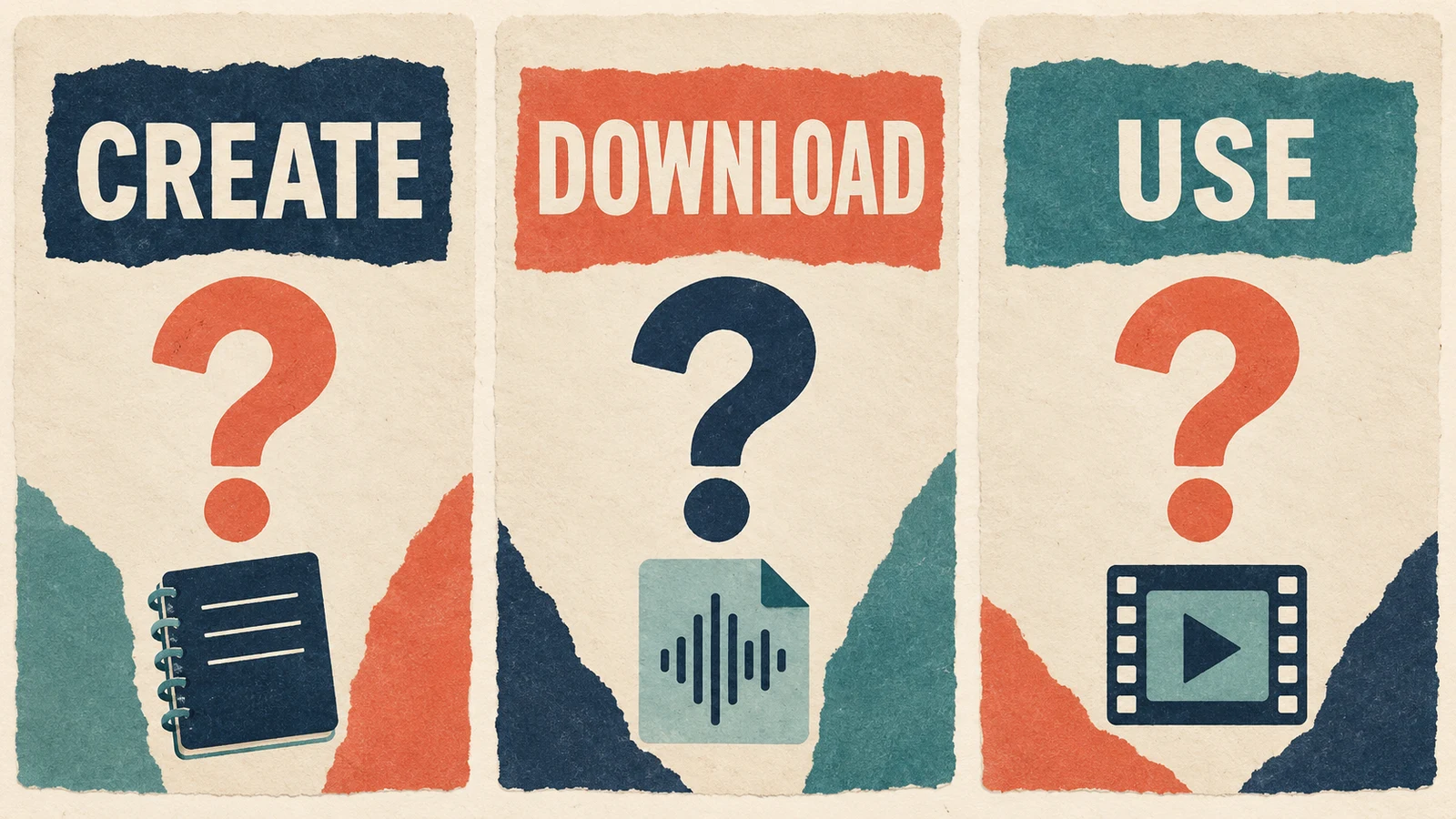
A playable demo proves that a service generated audio. It does not by itself establish export access or permission to use that audio in a commercial project.
Before taking a draft further, record the plan you used, the generation date, the relevant download conditions, and the terms applying to your intended use. Keep your original lyrics and revision history too. If a condition is unclear, resolve it with the provider before relying on the song for a release or client delivery.
Avoid choosing a tool solely because an older review calls it unlimited or royalty-free. Both feature access and terms can change, as the current download policies above demonstrate.
Questions about turning your lyrics into a song
Will the AI sing every word exactly as written?
Do not assume that it will. Compare the audio against your lyric sheet and review each revision. A version that sounds polished may still omit a word or repeat a line unexpectedly.
Do I need to write a melody first?
Not for the text-based workflows described here. You supply lyrics and musical direction, then evaluate the generated melody and performance. If you already have a specific melody, text alone may not communicate it adequately.
Can I use a free song in a monetized video?
Check the specific service, plan, and output conditions. Suno explicitly restricts trial downloads to personal use, and Udio's current export restriction prevents treating it as a source of downloadable tracks. Free access is not a general commercial-use license.
Choose a free lyrics-to-song workflow around the result you need
For hearing how your words might sound, start with a short verse and chorus, use the custom-lyrics controls, and review the singing against your original draft. For an export or release, check file access and usage conditions first. A free AI lyrics-to-song tool is most useful when its limits fit the next step you actually need to take.