
To use Suno AI, open Create, describe the song you want, and generate a draft in Simple mode. Choose Custom when you already have lyrics you want sung. Listen before changing anything: decide whether the words, arrangement, or vocal delivery need work, then make one specific revision.
This tutorial follows an original song idea about leaving an overnight shift as the city wakes up. You can copy the examples or replace the story with your own. They are writing examples, not tested audio results or a promise of a particular sound.
Start with Simple or Custom?
Choose the mode according to what you have already written.
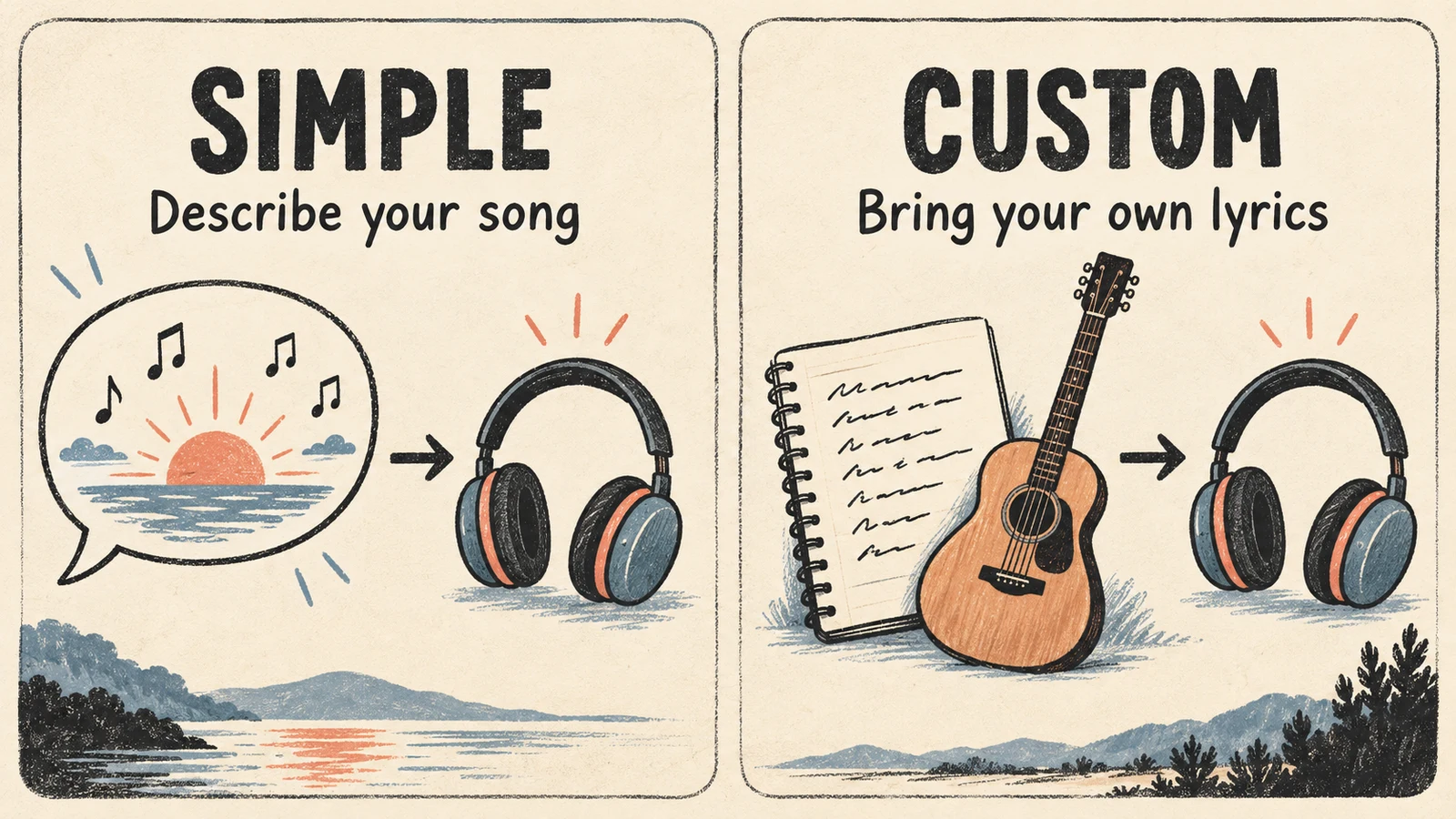
| What you have | Where to start | What to enter |
|---|---|---|
| A situation, mood, or rough song idea | Simple | A description of the music and its subject |
| A verse or chorus whose wording matters | Custom | Your lyrics, with the musical direction in Styles |
| A plan for background music without singing | Instrumental option | Describe the arrangement and intended use |
Suno's Simple mode instructions point you to suno.com/create. Its Custom mode guide explains where to enter your own lyrics. The labels and available controls can vary as the interface changes; this guide uses the web workflow.
For a first attempt, have a Suno account, enough available generation credits, and one clear song idea. You do not need to choose every advanced setting before hearing a draft.
How to use Suno AI with a simple prompt
Open Create, select Simple, and describe something a listener could actually hear. “A great song about working hard” leaves almost every musical decision open. Give the scene a few details instead:
A warm indie-pop song about cycling home after an overnight shift
while the city wakes up. Relaxed pace, muted electric guitar,
rounded bass, light drums, and a low, conversational lead vocal.
The chorus feels relieved rather than triumphant.
This Suno prompt makes two separate choices. The overnight shift supplies material for the lyrics. The instruments and vocal description supply the sound. “Relieved rather than triumphant” also helps you judge the result: a huge victory anthem would miss the intended mood, even if you liked the production.
Press Create and listen to the available results. Write down one thing worth keeping and one thing to change. For example:
Keep the quiet guitar opening. The chorus needs fewer words.
That note gives your next attempt a purpose. Adding more adjectives before identifying the problem makes it harder to tell which change helped.
If you have never planned a song before, our guide to making a song with AI covers choosing a use case and reviewing a first draft across different tools.
Use Custom mode when the lyrics matter
Switch to Custom when you want control over the actual words. Keep the musical instructions in the style field and the words to be sung in the lyrics field. Suno documents this separation in its Custom creation workflow.
Here is a short original lyric for the overnight-shift idea:
[Verse]
The bakery is opening
My jacket smells like rain
I count the empty buses
On the long way home again

[Chorus]
Leave the morning light on
I'm coming through the door
I've been up with the whole town sleeping
I don't need to run no more
Section labels such as [Verse] and [Chorus] communicate the intended structure. Suno recommends them in its song creation guide. Treat them as guidance, not exact commands for the length or melody of each section.
For the Styles field, try:
Warm indie pop, relaxed midtempo, muted electric guitar,
rounded bass, light drums, intimate low lead vocal,
understated verse and a gently lifting chorus.
The style prompt does not need to retell the story. The bakery, rain, and empty buses are already in the lyrics.
Before generating, read the chorus aloud at a steady pace. If you have to rush a line, shorten it. For example, “I've been up with the whole town sleeping” could become “I've worked while the town was sleeping.” That changes the rhythm and emphasis; choose the wording you want to hear, then audition it.
If you need help getting past a blank page, draft an idea with our AI Lyrics Generator, edit the wording yourself, and paste the finished text into Suno. This is a separate writing step, not an automatic connection between the two services.
Listen for the problem before changing the prompt
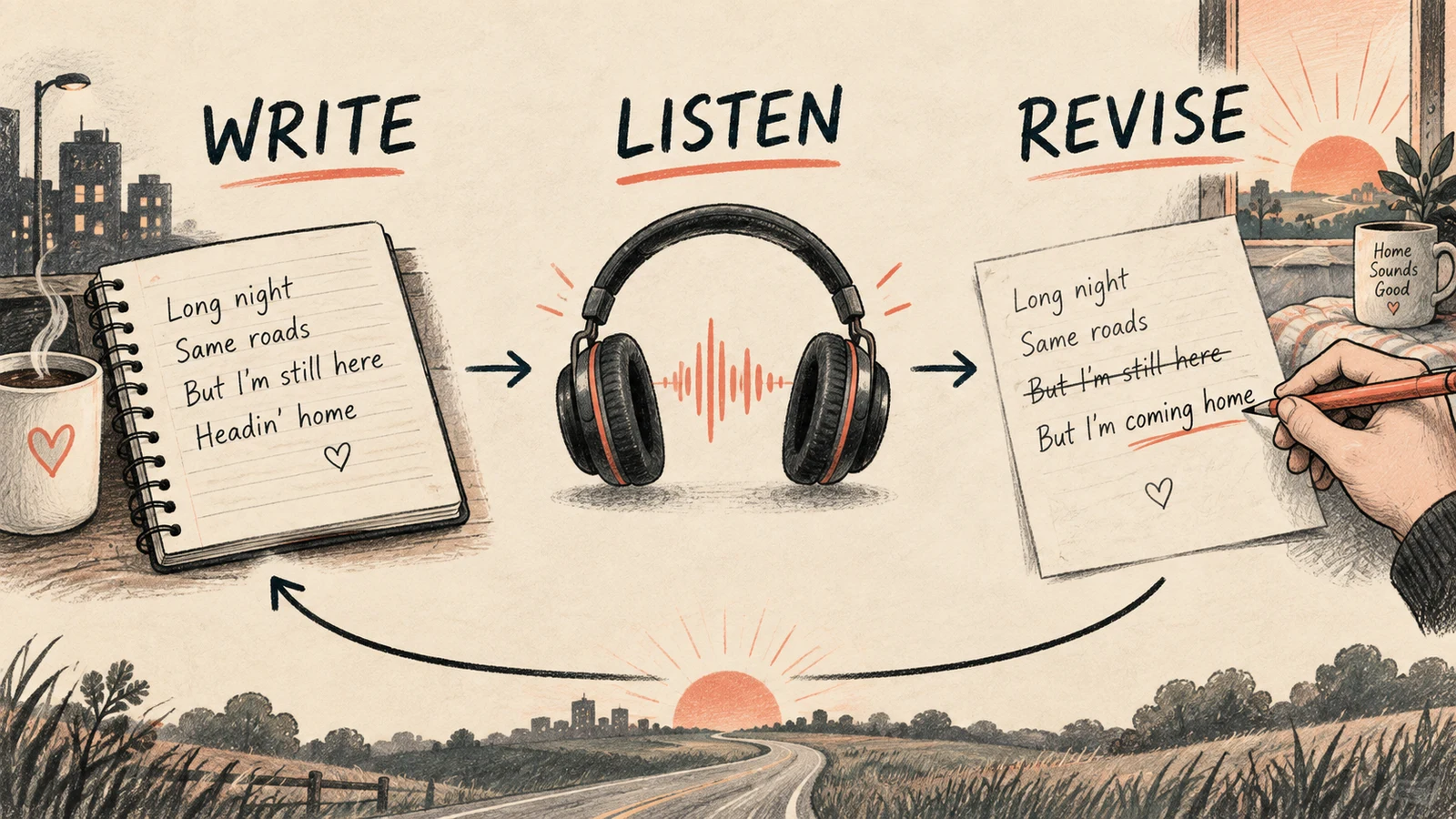
Replay the same section when comparing versions. A stronger opening can distract you from a chorus that still does not work.
Use these as possible next edits, not guaranteed fixes:
| What you hear | What to try next |
|---|---|
| The singer rushes through the chorus | Shorten the longest line and remove unnecessary words |
| The drums overpower a quiet story | Replace broad energy words with “light drums” or “sparse percussion” |
| The whole track stays at the same intensity | Describe a restrained verse and a fuller chorus |
| The voice sounds too theatrical | Ask for conversational or understated delivery |
| A requested instrument dominates the song | Remove it from Styles, or try Exclude if that control is available |
Suno's Exclude instructions place that field under Advanced Options in Custom mode. Use it for unwanted elements rather than filling the main description with conflicting requests.
Keep a copy of the lyrics and style text from a version you like. Changing a prompt and generating again is another attempt; it does not guarantee that the melody or arrangement will stay the same. If you want to preserve a specific recording, check the editing options available for that song instead of assuming a fresh generation will reproduce it.
Download the version you actually want to keep
In your Library or Workspace, open the song's More Actions (...) menu, choose Download, and select an available option. Those are the steps in Suno's current download guide.
Check your account's download allowance before building a workflow around exporting every attempt. Suno updated its download policy in September 2026: generation access and download access are separate considerations, and free-account trial availability can depend on when the account was created. See how downloads work for the current rules.
For paid client work or monetized distribution, also check the terms that apply to the particular song and download. Suno's paid-subscription rights page discusses commercial use rights and distinguishes them from copyright protection. Being able to download a file does not, by itself, answer every question about how you may use it.
Questions before your next song
Can I use my own lyrics in Suno?
Yes. Use Custom mode and enter the words you want sung. Review them before generation, especially repeated chorus lines, names, and phrases that could be awkward to pronounce.
Can Suno make music without vocals?
Suno offers an Instrumental option. Select it when your goal is a backing track, and describe the instruments and mood instead of supplying a lyric. Listen through the result before using it under narration.
Does a longer prompt make a better song?
Length alone is not a useful target. Start with enough detail to identify the style, subject, and vocal direction. Add a constraint when listening reveals a specific problem; remove instructions that ask for incompatible results.
Finish one idea before starting five more
The useful first milestone when learning how to use Suno AI is a song draft whose words and sound fit together. Save the strongest version, note what still needs work, and decide whether the next change belongs in the lyrics or the music.
You can also use the same original lyric and musical brief in AISongsGenerator's song tool to explore another interpretation. Compare how each result handles the story and chorus, rather than assuming identical words will produce identical music.