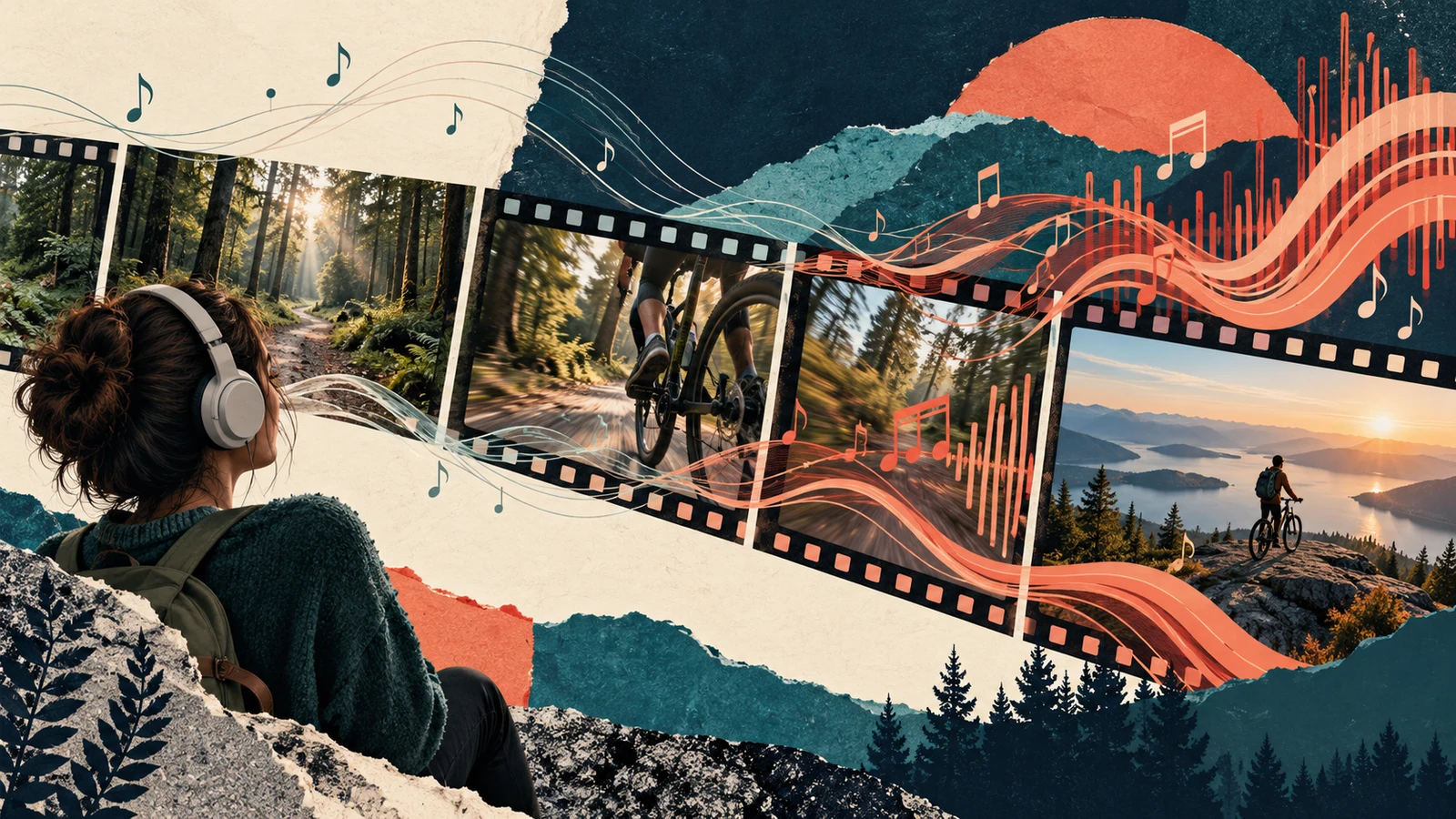
Match the musical changes to what the viewer needs to notice
To match music to video pacing, identify the important changes in the picture, then audition music whose activity and phrasing support those moments. A useful match does not require a cut on every beat. It requires the soundtrack and the edit to direct attention coherently.
Start by separating two questions: does the music fit the video's duration, and does it fit the way the video unfolds? A track can end at the correct frame while building excitement at the wrong moment.
This guide focuses on the second question. The examples are proposed editing exercises, not performance benchmarks or results from audience testing.
Watch the picture without the candidate music
Keep dialogue and meaningful location sound if they are part of the edit, but mute the music you are evaluating. Watch for the moment the subject becomes clear, the main action begins, and the important result arrives.
Write a few plain-language notes. “The cyclist leaves the quiet trailhead” is more useful than “energy goes up.” “The camera holds on the view” tells you something different from “another cut happens.”
If the picture is confusing without music, check whether it needs a clearer sequence. A soundtrack can shape an understandable edit, but it should not be the only reason you believe a missing action has happened.
Separate tempo from musical activity
Tempo describes the underlying beat rate. The amount of percussion, melody, and change around that beat also affects how busy a passage feels. Two tracks with a similar pulse can offer very different levels of activity.
Listen for the actual arrangement. Is there a continuous lead melody? Does a new instrument arrive midway through the explanation? Is a long buildup asking the viewer to expect a reveal that the video never provides?
Instead of selecting only by a BPM label, compare what the music does during your key moments. A restrained passage may leave room for a fast visual action, while a busy passage can make a slow shot feel restless. Either choice can be deliberate; the test is whether it serves the scene.
Map a few narrative turns
For an imaginary short cycling film, the plan might look like this:
| Picture moment | Information the viewer receives | Musical idea to audition |
|---|---|---|
| Quiet trailhead | Where the journey begins | A sparse opening with room for location sound |
| The ride starts | The subject moves into action | A clearer pulse or a new rhythmic layer |
| A difficult section | The effort becomes visible | More activity, without masking important natural sound |
| Arrival at an overlook | The destination is revealed | A phrase that opens out or resolves |
| A final held view | Time to absorb the result | A sustained ending rather than another buildup |
Use timestamps from your actual cut. The table is a creative example, not a required formula for travel videos.
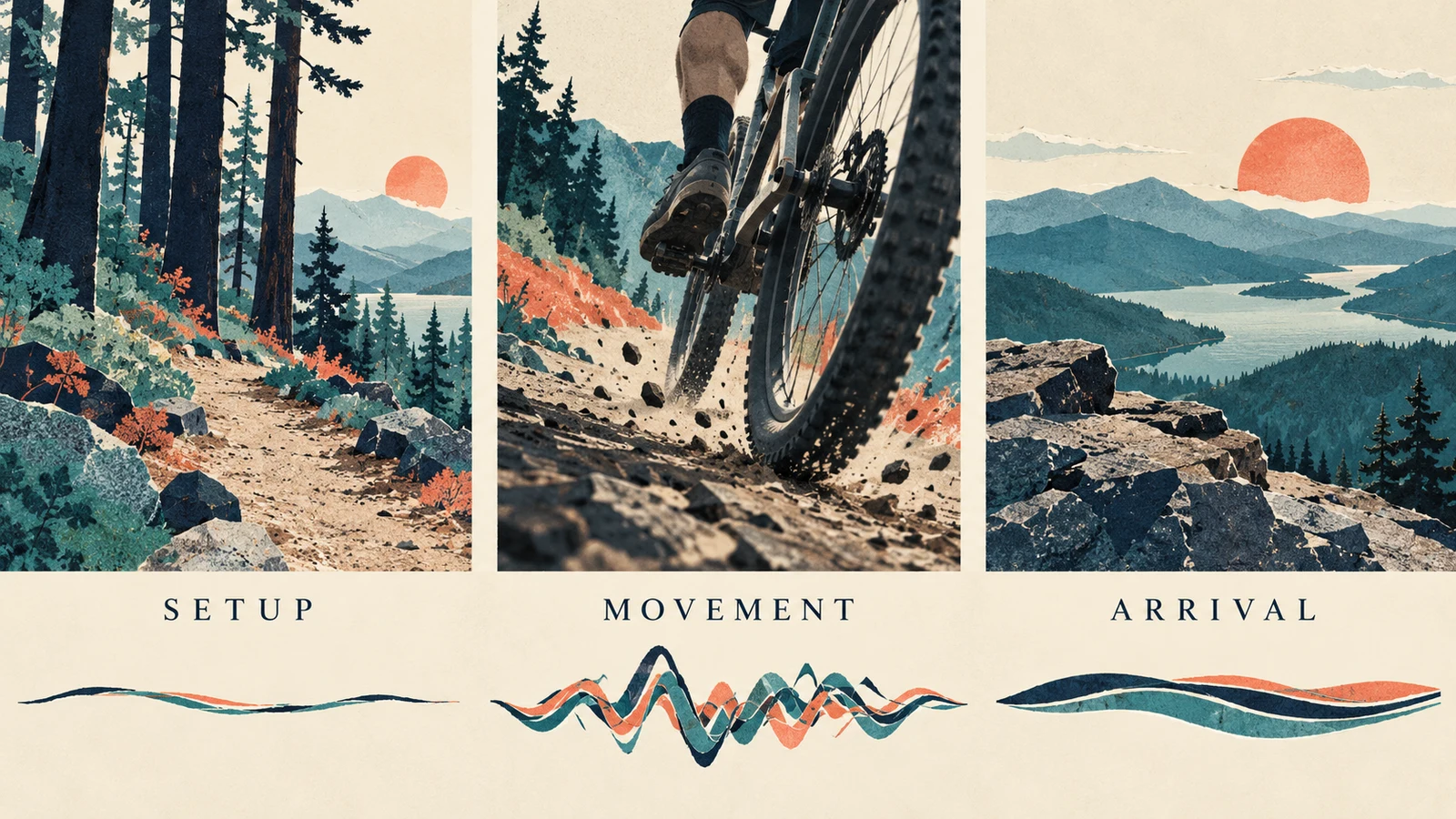
Markers can help keep these notes attached to the edit. Adobe's marker documentation describes markers as a way to identify important timeline points and add comments. Use your editor's equivalent to label meaningful changes, rather than marking every transient just because it is visible in a waveform.
Compare a different passage before rebuilding the video
If the mood fits but the timing feels wrong, try another starting point in the same track. The musical entrance you need may occur after the original introduction.
Listen to the full cue after moving it. Solving the first transition can create a new problem at the end. Check whether a melodic phrase is cut in half, a vocal enters beneath narration, or the music resolves before the visual result.
If the track repeatedly asks for changes that the picture cannot support, compare a different track. Do not stretch a useful shot or remove necessary information solely to satisfy an incidental musical accent.
For duration adjustments, see our guide to making music fit a video length. Keep that technical timing work separate from deciding which musical development suits the story.
Use fewer synchronization points
Choose the moments where an obvious musical accent adds meaning: the start of an action, a reveal, or the transition into a different scene. Let other shots continue across beats when the action needs time.
Compare two versions of a short passage. In one, place several cuts on the pulse. In the other, hold the important action and use only the strongest transition. Keep the same material so you can judge the rhythm rather than a completely different story.
Ask whether the viewer has enough time to understand each image. A technically aligned cut is not automatically an effective one. Repeatedly cutting away before an action finishes can make the sequence harder to follow.
If you discover that the available shots do not show the necessary action, our music video shot list guide can help identify the coverage you need for a future shoot.
Write a music brief around the picture
If you are exploring generated music, describe the progression you want rather than only naming a genre. In AISongsGenerator's music generator, try an instrumental direction such as:
A restrained instrumental cue for a short outdoor journey. Begin with sparse warm texture, introduce a steady pulse for movement, then open into a calm sustained passage for arrival. Leave room for natural sound and narration. Avoid vocals, abrupt drops, and a second dramatic buildup near the ending.
This is an original creative brief. It does not guarantee exact transitions or timing. Audition the generated file against the picture and choose a usable passage in your editor.
If a precise reveal must land at a fixed frame, plan for editing or a workflow that supports the necessary revision. Do not treat descriptive timing language as a substitute for verifying the audio.
Check dialogue and natural sound as part of the rhythm
Pacing is also affected by what the listener must process. A dense musical passage beneath an explanation can compete with the words even when the visual cuts are slow.
Try reducing the music's prominence or using a simpler passage before shortening the spoken explanation. Keep meaningful sounds, such as a movement or a change in environment, audible when they help the scene make sense.
A brief pause in music may be an option. Listen to the transition into and out of it; an accidental gap and an intentional quiet moment do not feel the same. Judge the complete sequence rather than isolated edits.
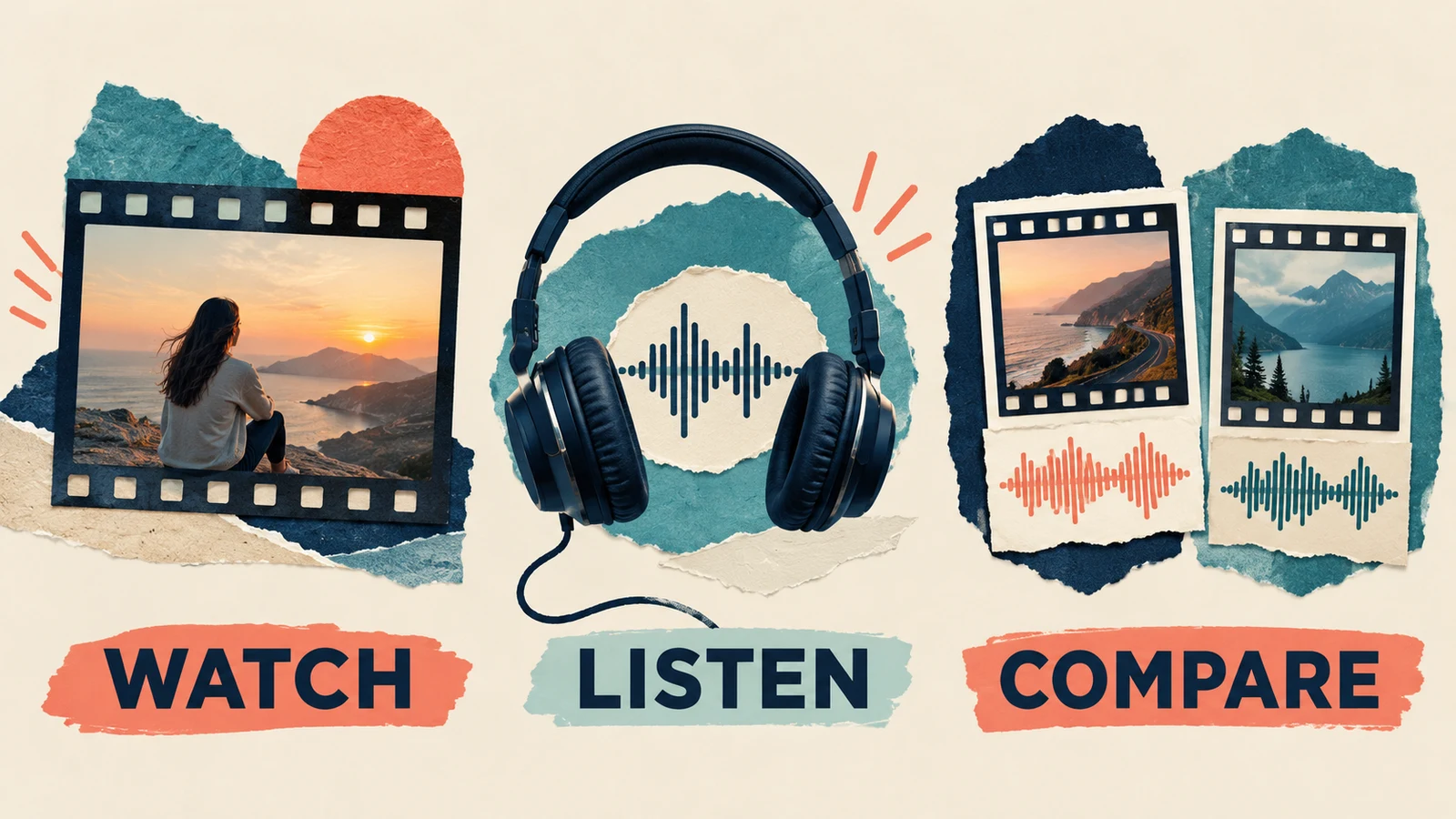
Review the exported sequence
Watch the exported video from the beginning without stopping to adjust it. Note where the music promises a change, where the picture delivers one, and where they work against each other.
Check the ending separately. Does the final sound support the last image, or does it suggest that another scene should follow? Confirm that no edit clipped a sustained note or introduced a sudden jump.
Keep a version with the previous music placement so you can compare. A useful note is “the arrival now has space”; “the new version feels better” is harder to act on if another revision becomes necessary.
Common questions
Should every cut land on a beat?
No. Use synchronization when it supports a meaningful moment. Hold shots when the viewer needs time to understand an action or detail.
Is faster music always better for fast footage?
No. Compare the arrangement's activity, the scene's purpose, and any dialogue or natural sound. A tempo label alone cannot tell you whether the pairing works.
Should I change the picture or the music first?
Start with the part that is flexible. If the picture is approved, audition different music passages or tracks. If the music is fixed, review which visual changes preserve the intended story. Keep necessary information intact either way.
Make the important moments agree
Choose a few meaningful transitions, test the music against them, and listen to the whole edit. The aim is a soundtrack that supports what the viewer is seeing, with enough space for the action and its result to register.