
Edit the conversation before polishing every sound
To edit a podcast, preserve the original recordings, assemble a clear conversation, clean up distracting audio problems, balance the voices, and add music only where it serves the episode. Finish by listening to the exported file rather than relying on the editor preview.
Working in passes helps you avoid spending time repairing a sentence you later remove. It also separates editorial decisions from technical ones: a confusing answer needs a different fix from a steady background hiss.
This workflow is for a first spoken-word episode. It does not assume a particular paid editor or claim that one processing preset fits every recording.
Preserve the originals and organize the session
Keep an untouched copy of each recording. Create an editing session separately and name the tracks by speaker or purpose. If the recording includes separate host and guest tracks, retain that separation so you can adjust them independently.
Confirm the tracks are aligned before cutting. Listen to a shared moment near the start and another later in the conversation. If the recordings drift apart, resolve that before applying many edits; otherwise, each new cut may make the relationship harder to follow.
Keep a small project folder with the source recordings, editable session, music assets, permission records, and exports. Use version names that tell you which file was reviewed. A file called “final-final” gives the next editor little useful information.
Listen once and make an edit map
On the first pass, listen for the episode's argument or story. Mark the strongest opening, the useful explanations, and the passages that repeat information or wander away from the subject.
Use timestamps and short notes:
| Note | Possible next action |
|---|---|
| The opening takes too long to reach the question | Move essential context earlier or shorten the setup |
| The guest explains the same point twice | Compare the versions and retain the clearer explanation |
| A reference has no context after a proposed cut | Keep the missing setup or revise the transition |
| A sentence is obscured by noise | Mark it for repair or a pickup recording |
| A pause carries a meaningful reaction | Preserve enough space for the listener to hear that reaction |
These are editorial prompts, not automatic deletion rules. A hesitation may communicate uncertainty that matters. Removing it can change how confident a speaker sounds.
Make cuts that preserve meaning
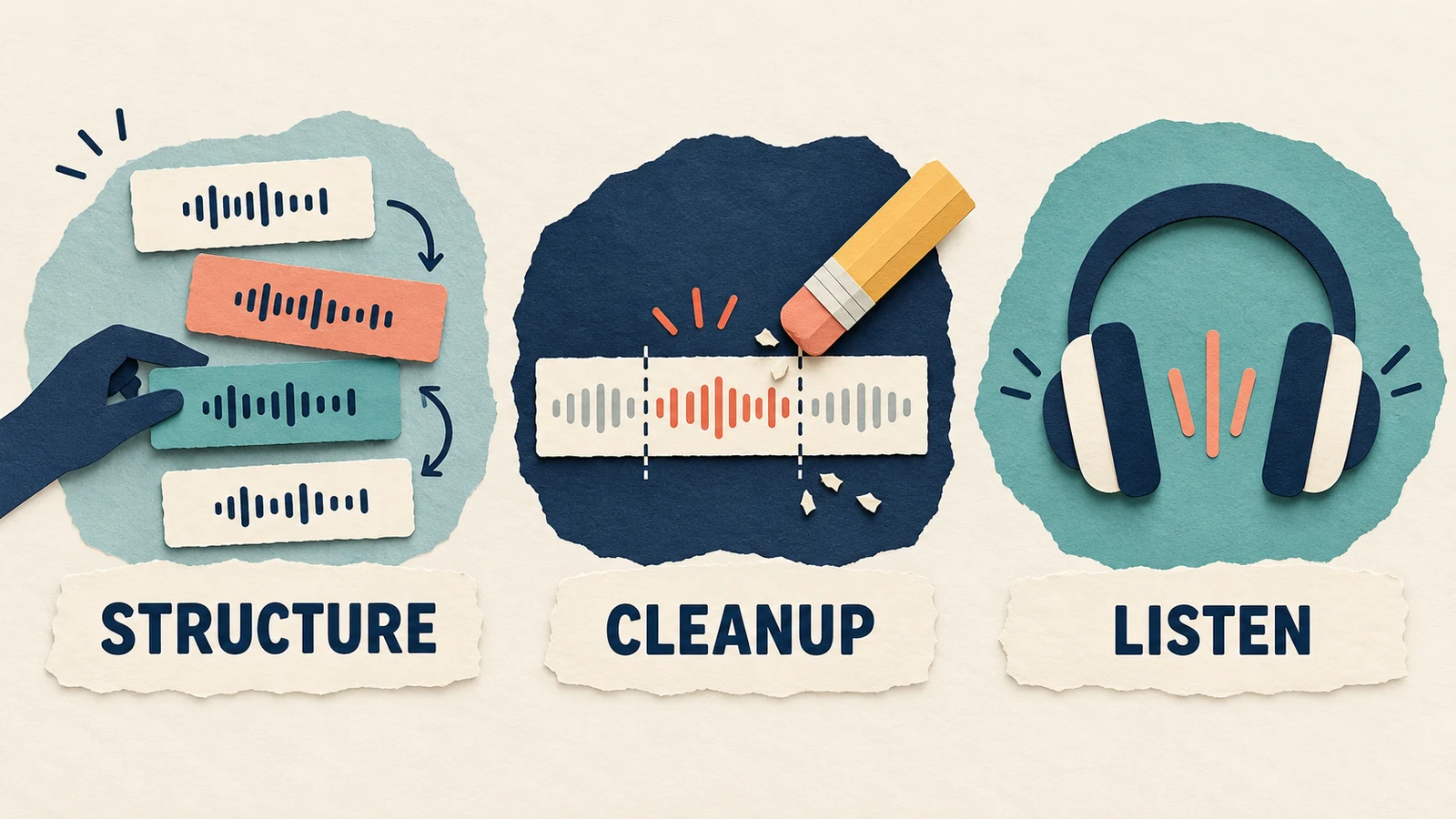
Work through larger structural edits before removing small verbal stumbles. Check that each answer still responds to the question the listener hears. Do not join fragments into a statement the speaker did not make.
For a repeated false start, you might retain the complete sentence that follows it. For an unfinished thought, removing the stumble may also remove context. Listen to both sides of the proposed edit before deciding.
After each important cut, play the transition from a little earlier. A technically clean join can still sound unnatural if the pace suddenly changes or a response arrives too quickly. Preserve the conversational rhythm where it helps comprehension.
If you have multiple synchronized tracks, use your editor's linked or grouped editing workflow where appropriate. Verify that a cut has not moved one participant independently and created an overlap that was not present in the conversation.
Clean up only what distracts
Different noises need different treatment. A constant fan, a single click, and a passing vehicle are not the same problem. Identify the sound before applying an effect across the whole episode.
Audacity's Noise Reduction manual describes the effect as suitable for relatively constant background noise, such as hum or hiss, rather than individual clicks or irregular noise. It uses a noise-only selection to create a profile, then applies reduction to the selected audio. The manual recommends using the lowest reduction that makes the noise acceptable and checking the sound being removed with Residue.
For a practical trial, duplicate a short passage, capture an appropriate noise profile, and preview the result. Listen for damaged consonants or an unnatural watery texture. More reduction is not automatically better. If the voice is badly obscured, a new recording may be more useful than aggressive processing.
Keep this technical cleanup separate from the editorial pass. Noise reduction cannot clarify an answer whose missing context was cut away.
Balance speakers before adding music
Listen across speaker changes at a comfortable playback level. If one voice repeatedly forces you to adjust the volume, address that difference in the edit. Use the controls your editor provides, and compare processing at similar listening levels.
Avoid treating every breath or pause as an error. An episode stripped of all natural space can feel abrupt. The question is whether a sound distracts from the conversation, not whether the waveform contains silence.
Before choosing export loudness or encoding settings, check the current requirements of your podcast host or destination. Do not copy a number from an unrelated video workflow and assume it is the correct delivery specification for your episode.
Add music after the spoken edit works
Music can identify the show, mark a transition, or close the episode. It should not hide unclear dialogue or compensate for a confusing structure.
If you need an original musical direction, you can explore an instrumental draft in AISongsGenerator's music generator. A restrained brief might be:
A quiet instrumental transition for a practical interview podcast: a concise warm keyboard phrase, minimal percussion, no singing, and a gentle ending. Leave space for the host's voice.
That is a creative request, not a guarantee of exact timing or a finished mix. Select and edit a suitable passage, and verify the terms for your intended use. Our podcast intro music guide covers the voice-and-music overlap in more detail.
Keep music on its own track. Listen to the first and last words around every musical transition. If you miss part of a sentence, lower or shorten the music, or use a simpler passage.
Export, then listen to the exported file
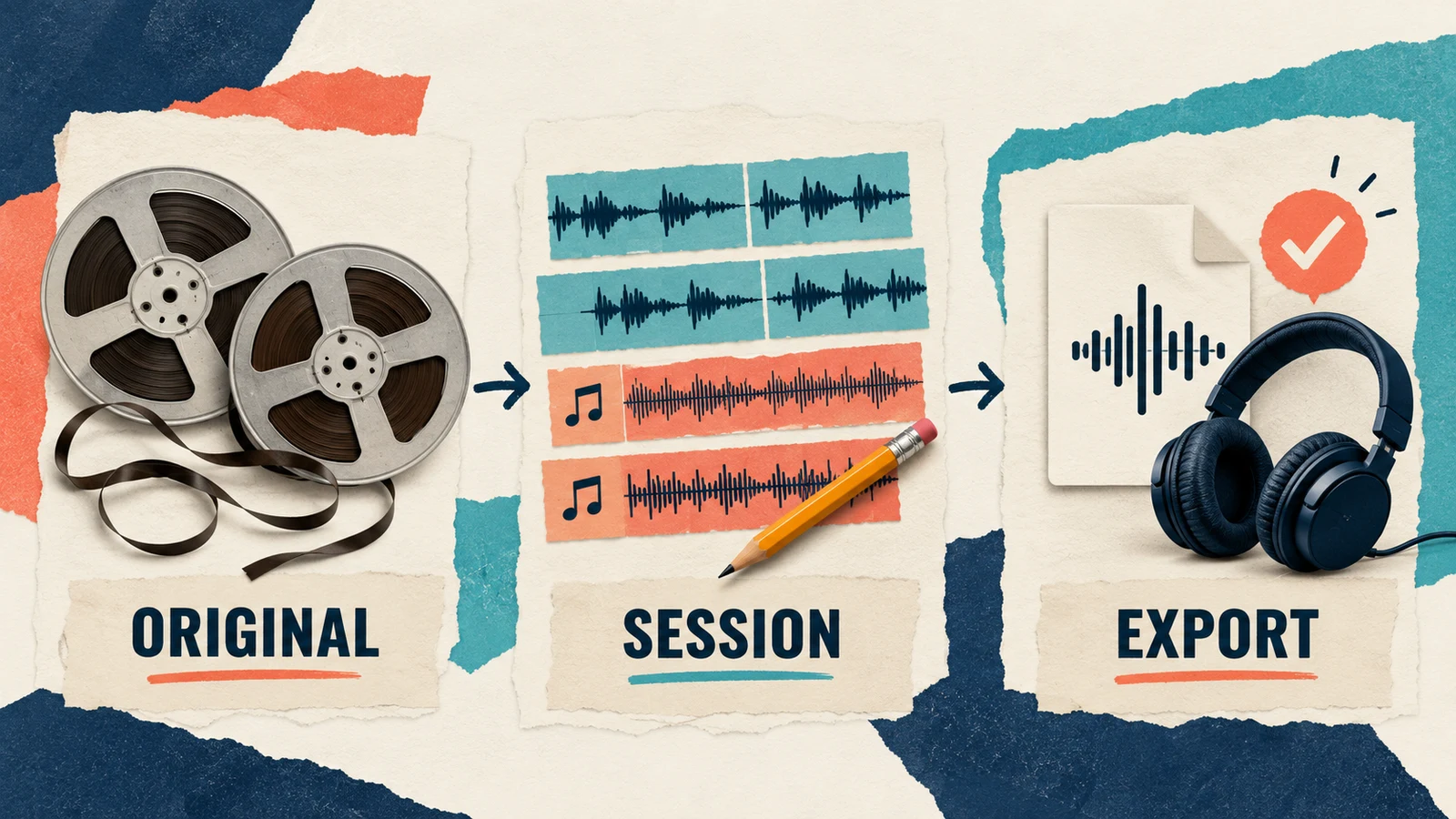
The exported episode is the deliverable. Open it outside the editing session and check that it contains the approved version, starts at the intended moment, and ends cleanly.
Listen through the episode when possible. At minimum, do not skip the joins you changed, the music entrances and exits, and passages that previously had noise problems. Confirm that no track was accidentally muted or left out of the export.
If you publish a transcript or show notes, align them with the final edit. A timestamp from an earlier version may now point to the wrong passage. Keep the approved export and its matching written materials together.
For the music portion of your workflow, our music permission checklist can help organize the source and usage records.
Questions about editing a first podcast
Should I remove every filler word?
No. Remove repetitions that obstruct the point, but preserve meaning and natural speech. Listen to the full sentence after editing rather than judging a word in isolation.
Can noise reduction rescue any recording?
No. The result depends on the noise and how clearly the voice was captured. If processing makes the speech less intelligible, reduce the treatment or consider recording the passage again.
Should I add the theme before editing the interview?
For this workflow, finish the main spoken structure first. Then place the theme against the actual opening and closing so later cuts do not repeatedly undo your music timing.
Keep a short final checklist
Before sharing the episode, confirm the conversation still means what the speakers intended, the voices are understandable, the music leaves room for speech, and the export matches the approved session. Save the originals and edit notes so a later correction is straightforward.