To add music to a TikTok video, tap the + button to start a post, open Add sound, and choose a track available for your account. Review the excerpt against your clips before publishing. For business content, choose audio appropriate to the commercial use instead of assuming a trending sound is available for every purpose.
If a published video is already muted, start with View details on that video. The explanation matters: replacing a removed sound is a different task from correcting an audio mix that was too quiet in the first place.
Add a sound before committing to the edit
TikTok's Sounds help page describes starting with the Add post button and selecting Add sound on the recording screen. You can then choose the sound you want to work with. Control placement may change with app updates, so use the labels visible in your version.
For a practical first pass:
- Start the post and bring together the clips you want to use.
- Open Add sound and audition an available track.
- Where the editor offers trimming, choose the excerpt that fits the sequence.
- Preview the whole video with any existing speech or camera audio.
- Complete the relevant usage and disclosure settings before posting.
Choose the music before making dozens of tiny cuts around its beat. If the track later turns out to be unsuitable, a tightly synchronized edit can take longer to repair than a simple sequence with a few deliberate transitions.
Also listen for audio already embedded in the uploaded file. A video exported with a song from another editor can still contain that song after you add a TikTok sound. Keep a clean export of the footage and narration so you can change the music independently.
Find commercial sounds using the right filters

TikTok's Commercial Music Library instructions, updated in July 2026, distinguish the initial sound selection by account type. Business Accounts see Commercial Sounds. Personal accounts can select Commercial sounds from the Sounds menu.
In the library workflow, select the campaign's region and check the usable placement. Then narrow the selection by mood, genre, theme or duration. TikTok describes these commercial sounds as available for organic or paid content on its platform. Read the applicable terms for the track and use you select.
A helpful production note is more specific than “background song for TikTok”:
Video: a pottery studio showing a bowl being made
Purpose: promote the studio's beginner workshop
Destination: TikTok
Campaign region: record the actual target region
Placement: record the planned placement
Audio direction: gentle rhythm, no lead vocal
The purpose and distribution details tell you what to check. The last line tells you what to listen for. Keep both in the brief instead of choosing a song only because its first few seconds sound appealing.
Using a track from somewhere else
If you supply music outside the Commercial Music Library, verify that the permission covers your intended use. TikTok's commercial-use guidance explains that using an original sound or outside music with the content disclosure setting enabled requires agreement to its Music Usage Confirmation. Treat a confirmation as a statement about rights you have checked, not a button that grants them.
Record the source URL, track version, license and date obtained. Keep any permission correspondence. If you need help deciding what to save, our song copyright checking guide walks through that evidence trail.
Creating a new track is another possible workflow. For the pottery example, an original brief could be:
A gentle instrumental for a short pottery demonstration.
Soft wooden percussion, warm keyboard and a relaxed pulse.
Leave space for the sounds of hands shaping clay.
No lead vocal and no sudden dramatic build.
You can explore a brief in the AI Music Generator, review the applicable license information, and use an eligible result in your video editor. This is a writing example, not a tested generation. AI-generated music is not a guarantee against matching errors, rights questions or platform restrictions.
If the same clip will also appear on Instagram, YouTube or a client's website, check those destinations separately. Do not infer permission for another platform from a track being selectable inside TikTok.
Choose the excerpt around a visible moment
For the pottery clip, choose one moment that deserves emphasis: the bowl taking shape, a glaze being applied, or the finished object appearing. Align a suitable musical change with that moment, then review the lead-in and ending.
Avoid making every cut follow every beat. Let an action finish when the viewer needs time to understand it. The music should help the sequence, not force a useful demonstration into an awkward rhythm.
If the video includes speech, check the busiest section of the music against the quietest spoken line. There is no universal volume percentage that makes every track work. Try a sparser arrangement when turning down a dense song leaves it both distracting and difficult to hear.
Save the original editing project with separate audio layers where your editor supports them. That gives you more control than trying to repair a file in which narration, background music and room sound have already been combined.
Replace a muted TikTok sound
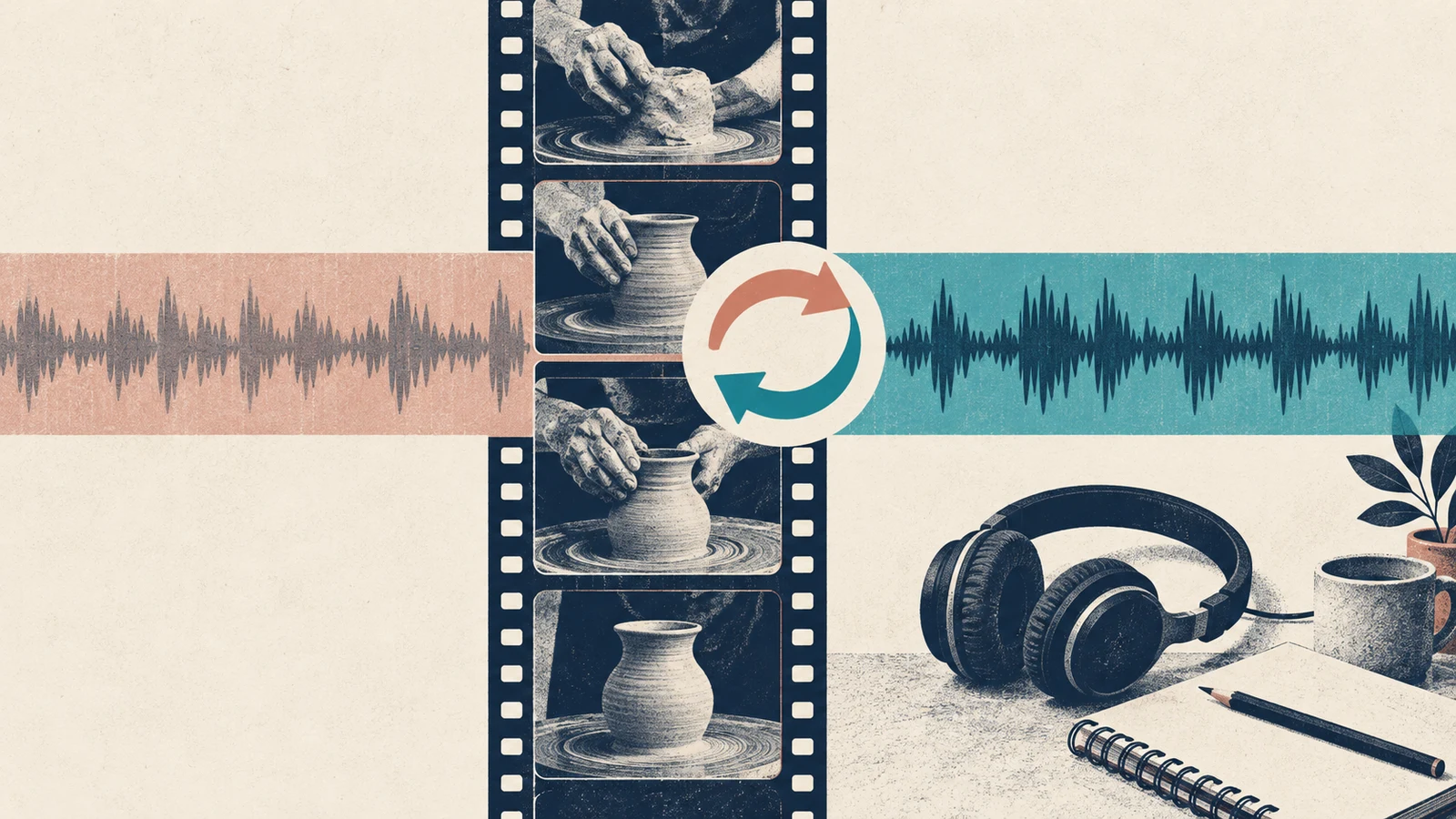
TikTok's sound-removal help describes removal for copyright restrictions or Community Guidelines violations. To investigate and replace the sound:
- Open the muted video in the TikTok app.
- Tap View details to read the reason shown.
- Choose Change sound, then select a suitable replacement.
- Trim the replacement and adjust its volume as needed.
- Preview the result and tap Post to complete the change.
Do not assume a replacement will line up with the old edit. Replay the opening, the main visual moment and the final cut. If the available replacement flow cannot produce the mix you need, return to the saved project and prepare a revised version.
A removal notice deserves a rights or policy review. Speeding up an unlicensed recording, making it quieter or disguising it with effects does not establish permission to use it.
Before publishing the next version
| Check | What you should be able to answer |
|---|---|
| Source | Which exact track and version am I using? |
| Purpose | Is this a personal video, promotion or ad? |
| Distribution | Have I checked the intended region and placement? |
| Mix | Can the viewer understand the important speech? |
| Recovery | Do I still have the clean export and editing project? |
For an Instagram version of the same project, use our separate Reels music guide. The two apps have different libraries and publishing controls.
Common questions
Why do two accounts show different sound selections?
TikTok documents different starting selections for Business and personal accounts. Check which library you are browsing before treating a missing track as an app fault.
Does an original-sound label prove I own the music?
Use the actual source and permission records to assess your rights. A label on an upload does not replace the license for music that someone else created.
Can I guarantee that my video will never be muted?
No workflow can promise that result. Choose an appropriate source, follow the applicable terms, keep your records, and preserve an editable copy so you can respond to a notice or replace the soundtrack.
The useful habit is to add music to TikTok videos with a recovery path: know where the sound came from, keep it separate while editing, and check the complete result before you post.