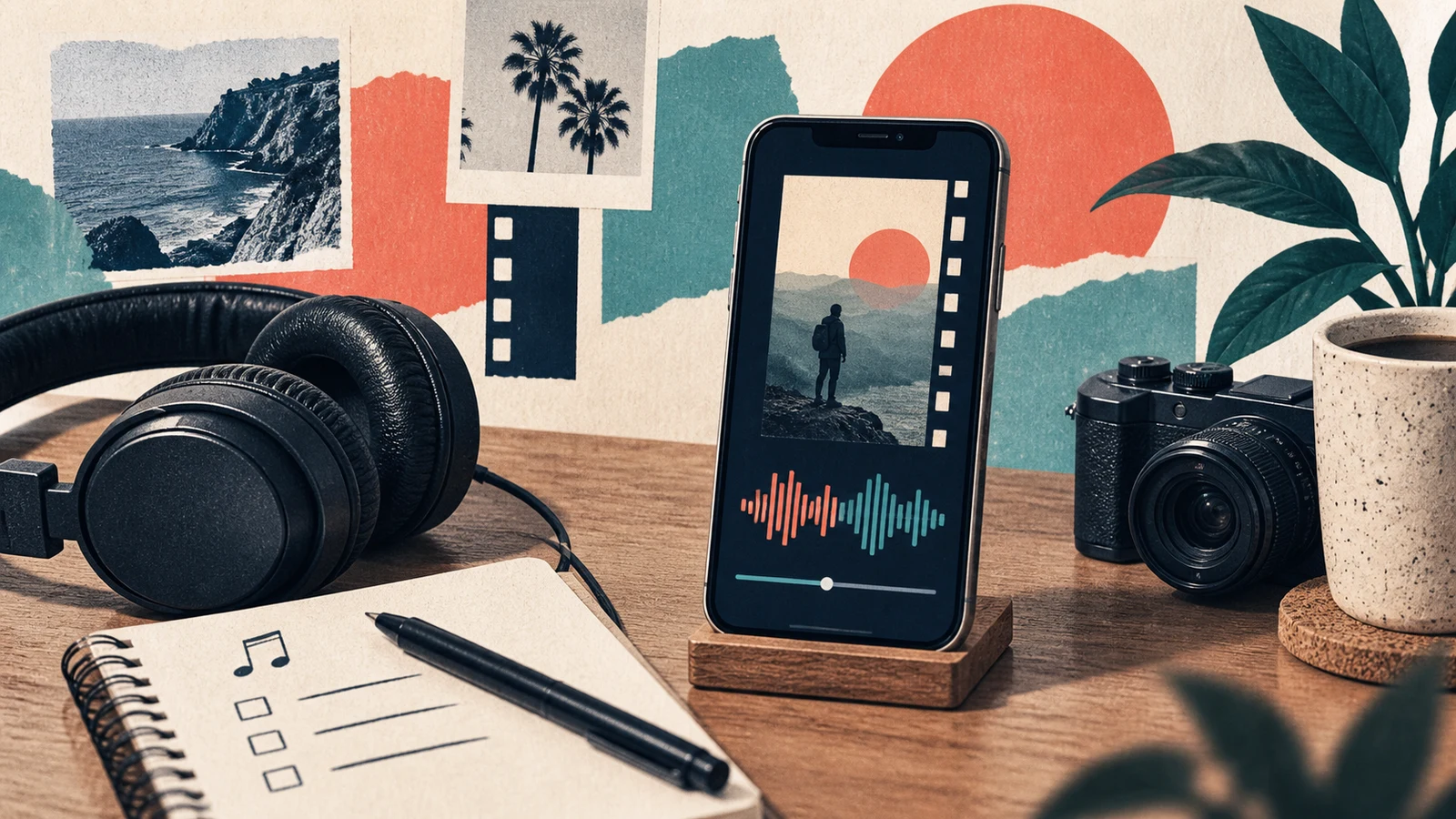
To add music to Instagram Reels, start a Reel, record or import your clips, and open the audio or music control in the editor. Choose an available track, select the part you want, and preview it with your video before sharing. If you edited music into the video elsewhere, review that embedded audio too: adding a second song can leave two tracks playing together.
Before choosing a popular sound, decide whether this is a personal post, business content or an advertisement. The fact that you can hear or select a song does not answer every question about its permitted use.
Choose the audio source before editing around it
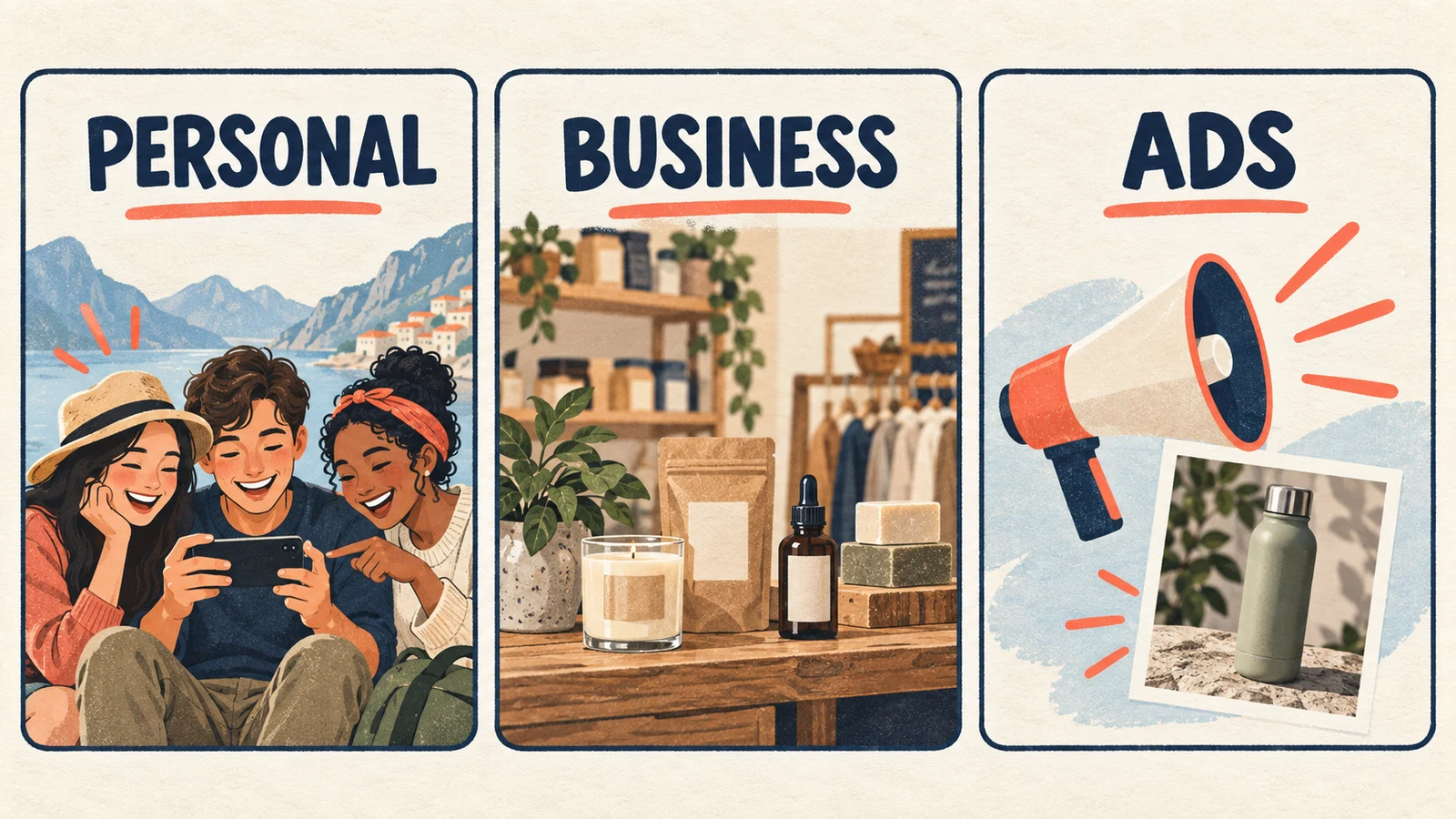
Meta's licensed music library guidance describes that library as intended for personal, noncommercial use. It also explains that some business accounts and post types have restricted access, and availability can vary by region.
Use this as a starting decision table, then check the terms for your particular use:
| Your project | Where to start looking |
|---|---|
| A personal, noncommercial Reel | Music available through Instagram for your account and region |
| A business demonstration or promotion | Meta Sound Collection or audio whose license covers the planned use |
| A Reel intended for an ad campaign | Music options appropriate for ads, checked before the edit is finalized |
| A video going to several platforms | Audio with terms that cover each destination |
Meta identifies Sound Collection as an option for commercial uses, including ads. Its Reels ads guidance also points advertisers to Sound Collection. Do not assume that permissions for a platform's library transfer to every other website or social network.
For externally sourced recordings, our song copyright checking guide explains how to identify the recording, read its license and retain permission evidence.
How to add music to Instagram Reels in the app
Instagram changes its editor over time, so the placement and wording of controls can differ. Follow the function you need rather than expecting a specific button to remain in the same corner.
- Create a Reel and add the video. Record your clips or import them from your phone. Make a rough cut before spending time on precise music timing.
- Open the audio or music control. Search for a track or browse the options available to your account. Meta's Reels introduction describes both library music and original audio; that announcement is background, not a current screenshot of the editor.
- Choose the excerpt. Where the editor offers an excerpt selector, move to the section that fits your opening and main visual moment. You may want the rhythm immediately, rather than the song's quiet introduction.
- Review all audio already present. Check camera sound, spoken commentary and any music baked into the uploaded file. Avoid accidentally keeping an unwanted second soundtrack.
- Play the complete Reel. Listen through cuts and the ending. Finish the caption and sharing settings only after the sound and usage checks are complete.
If your chosen track is unavailable, do not plan the entire edit around obtaining that exact recording. Choose an accessible alternative whose terms fit the project, or save the edit while you resolve the source question.
Make speech easy to understand
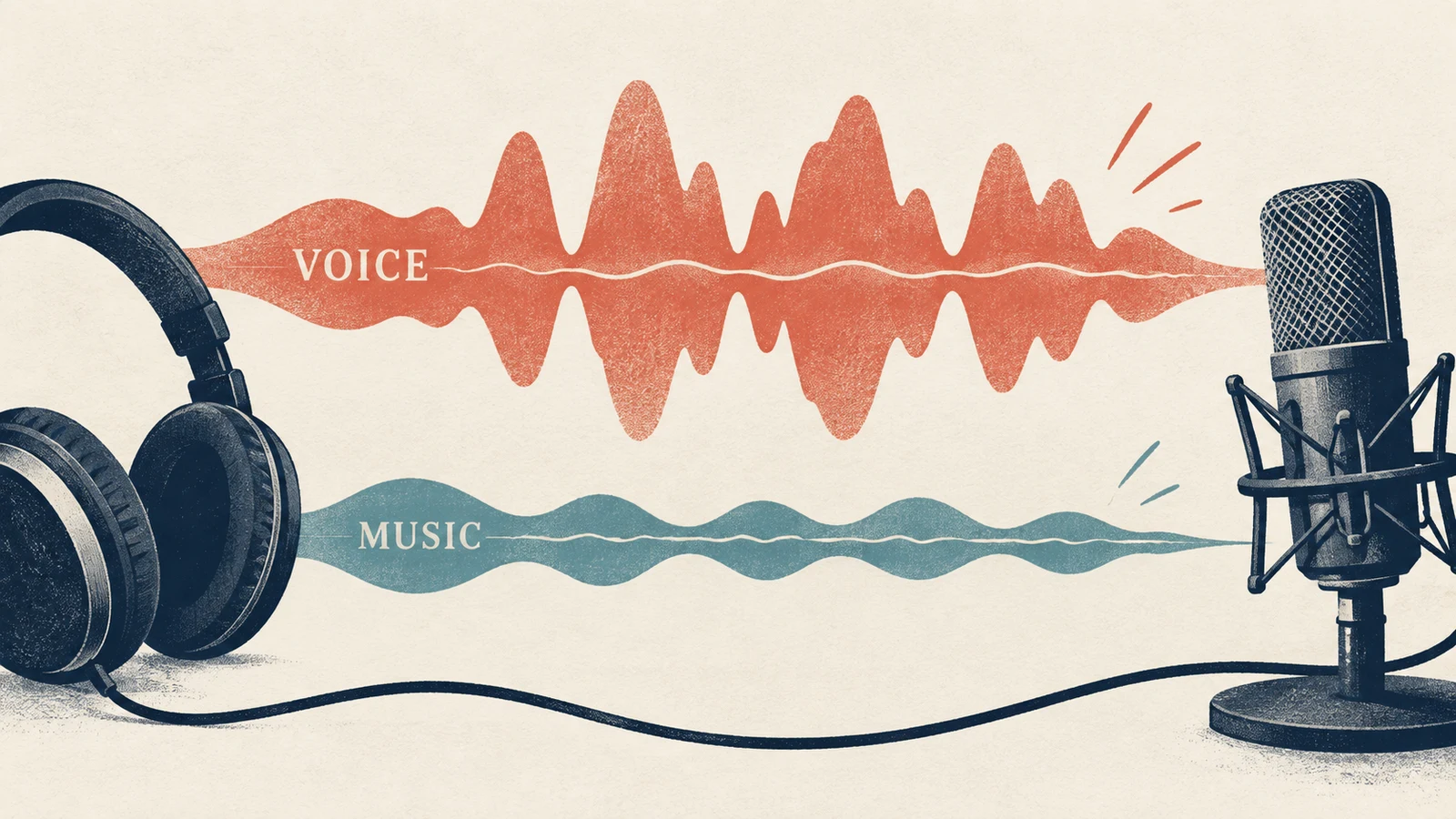
For a narrated Reel, start with the spoken message. Bring in music as support, then listen on the phone speaker as well as headphones. A mix that sounds pleasant on headphones may still make a quiet sentence difficult to follow on a small speaker.
There is no single volume percentage that works for every track. A dense chorus and a sparse piano phrase can sound very different at the same slider position. Lower the backing track until the important words remain easy to understand, and check again where the music becomes busier.
If Instagram offers the separate controls you need, adjust them there. If speech and music are already combined in one exported file, return to the original editing project for more control. Keep a version with voice and video but without the added music so that replacing the soundtrack does not require rebuilding the Reel.
A simple example: a narrated product demonstration
Imagine a short clip showing how to pack a bag for an overnight trip. The narration names the items while the video shows them going into the bag.
First, decide whether the video promotes a business or will become an ad. Settle the music source for that use before synchronizing every cut to it. Then choose a light arrangement that leaves room for the voice: a steady pulse, a small number of instruments and no competing lead vocal would be a reasonable direction to try.
An original brief for generating an alternative backing track could be:
Light instrumental background for a narrated packing demonstration.
Warm keyboard, soft percussion and a relaxed steady pulse.
Keep the arrangement sparse, with no lead vocal
and no dramatic build that competes with the spoken instructions.
This is a creative example, not a tested audio result. You can explore a brief in the AI Music Generator, check the applicable license information, and add an eligible output to your video in your editor. AISongsGenerator does not automatically place the track into Instagram or guarantee that a platform will never flag it.
Review the exported clip from beginning to end. If the soundtrack draws attention away from the packing instructions, try a simpler arrangement before repeatedly reducing the volume of a very busy track.
When a song is missing or the Reel loses audio
Separate availability problems from mixing problems before changing the video.
| What you notice | What to check next |
|---|---|
| A friend can find a song that you cannot | Your account context and regional library availability |
| The music is present but narration is unclear | The relative levels and arrangement density |
| Two songs seem to be playing | Whether the imported video already contains music |
| Audio is muted after sharing | The notice shown for that Reel and any options Instagram provides |
| You now want to use the Reel as an ad | Whether the chosen audio fits the advertising use |
Read any in-app notice before deleting or reposting. If a replacement option is available, review the substitute in context. Otherwise, your saved editing project gives you a way to export a new version with different, appropriately licensed audio.
Do not change pitch, speed or volume to try to evade a rights restriction. Meta's copyright guidance explains that buying, downloading or recording someone else's content does not by itself authorize posting it. Keep the source and license decision separate from the technical editing decision.
Questions before you share
Can I use any song that appears in the music search?
Check the intended use and account context. An available library track is not a universal commercial-use license, particularly when you plan to turn a post into an ad or reuse the video elsewhere.
Can I upload a video with my own music already included?
You can work from an edited video file, but make sure you have the necessary rights to everything in its soundtrack. “Original audio” as a platform label is not proof that every element was created or licensed by the uploader.
What is the best music volume for a Reel?
Choose it by listening to the finished clip. For narration, every important word should remain intelligible. Check the loudest musical section and the quietest spoken section rather than relying on one numerical preset.
The practical way to add music to Instagram Reels is to choose a suitable source early, fit the excerpt to the edit, and review the full mix before sharing. Save the clean video project and the relevant license records so that a later soundtrack change is manageable.