To find royalty-free music on SoundCloud, search for the sound you need, open individual track pages, and trace promising recordings back to their creators. Then check the exact license or obtain permission for your project. A search result labelled “royalty-free” is a lead to investigate, not the final authorization.
Keep two decisions separate: whether you like the track, and whether you can use that recording in your video. A download button answers neither question completely. The workflow below helps you move from a broad search to a documented choice.
Search with a musical brief
Start with a short description of the project. For example: “An instrumental under a narrated walking tour, with a steady pace and no dramatic changes.” That gives you something to listen for when the results become varied.
Try combinations such as:
ambient instrumental Creative Commons
acoustic background music CC BY
royalty free documentary music
These are example queries, not special commands or a guarantee of licensed results. If your version of the site exposes relevant search filters, use them to narrow the list, but still open the individual track page. Do not rely on an old tutorial's exact filter layout.
Listen beyond the opening. For a narrated walking tour, a track might begin quietly and then introduce a lead vocal halfway through. Mark the point that would compete with the narration. Save a small shortlist of tracks that fit the actual sequence rather than collecting every attractive preview.
Trace a promising track to the original creator
Open the uploader's profile and read the track description. Look for the artist's own website, a consistent release history and links to the same recording elsewhere. A playlist or repost can help you discover a song without being the place that grants permission to use it.
Be especially careful with remixes, mashups and tracks built around recognizable samples. SoundCloud's Creative Commons guidance says that an uploader needs the appropriate rights in other people's material before applying a Creative Commons license. The label cannot replace permission from the original rights holders.
That does not make every unfamiliar account untrustworthy. It means you need a traceable source. If the description credits another producer, follow that lead. If the source and stated license disagree, resolve the conflict before using the audio.
Read the specific license, including its version
SoundCloud allows creators to choose All Rights Reserved or a Creative Commons license in a track's metadata, as explained in its license selection guide. Do not treat those options as equivalent.
Here is a short guide to two common Creative Commons labels:
| Label | What to check before proceeding |
|---|---|
| CC BY 4.0 | Follow its attribution and other conditions; the license permits commercial reuse and adaptation |
| CC BY-NC 4.0 | Follow its conditions, including the noncommercial restriction; do not assume it covers a promotional or paid project |
| All Rights Reserved | Look for separate permission that covers your planned use |
| Only “free download” in the description | Find the actual license or ask the rights holder |
Read the CC BY 4.0 terms and CC BY-NC 4.0 terms at the source. Other Creative Commons variants have different conditions, and this table does not cover all of them. The license may also leave additional rights to investigate.
If the use is unclear, describe the real project in your request for permission. Include where the video will appear, whether it promotes a business, and any planned edits to the track. “Can I use your music?” is harder to answer than a precise request about one recording and one use.
For a broader explanation of the recording and composition questions, see our music copyright checking guide.
Download through the creator's authorized route
SoundCloud's download instructions describe signing in on the web and using the download file button beneath the waveform when the uploader has enabled it. Not every track offers a download, and the help page distinguishes a downloadable file from mobile offline listening.
If the creator instead links to an official download page, check the terms there and confirm that you are obtaining the same version you evaluated. When there is no authorized file available, ask the creator or choose another candidate. Do not treat a stream-ripping site as a missing download button.
Obtaining the file is still separate from obtaining the usage rights. SoundCloud's guidance on bought or free tracks explicitly warns that downloading or buying music does not transfer the right to re-upload it to SoundCloud. Apply the same care to the specific permission you need for your own project rather than inferring it from possession of an MP3.
Build the credit from the supplied information
If the applicable license requires attribution, gather the information before you finish the video description. For CC BY 4.0, the requirements include appropriate credit, a license link and an indication of changes. Retain other required notices supplied with the work.
A project note can organize the material:
Track title and exact version:
Creator and original track URL:
License name, version and URL:
Required notices supplied by the creator:
Edits made for this project:
Date downloaded:
Saved permission or correspondence:
Use the actual information for the selected recording. Do not copy a credit from another track and swap only the artist name. If you trimmed or otherwise modified the music, describe the changes as required by the license.
Keep the evidence with the edit
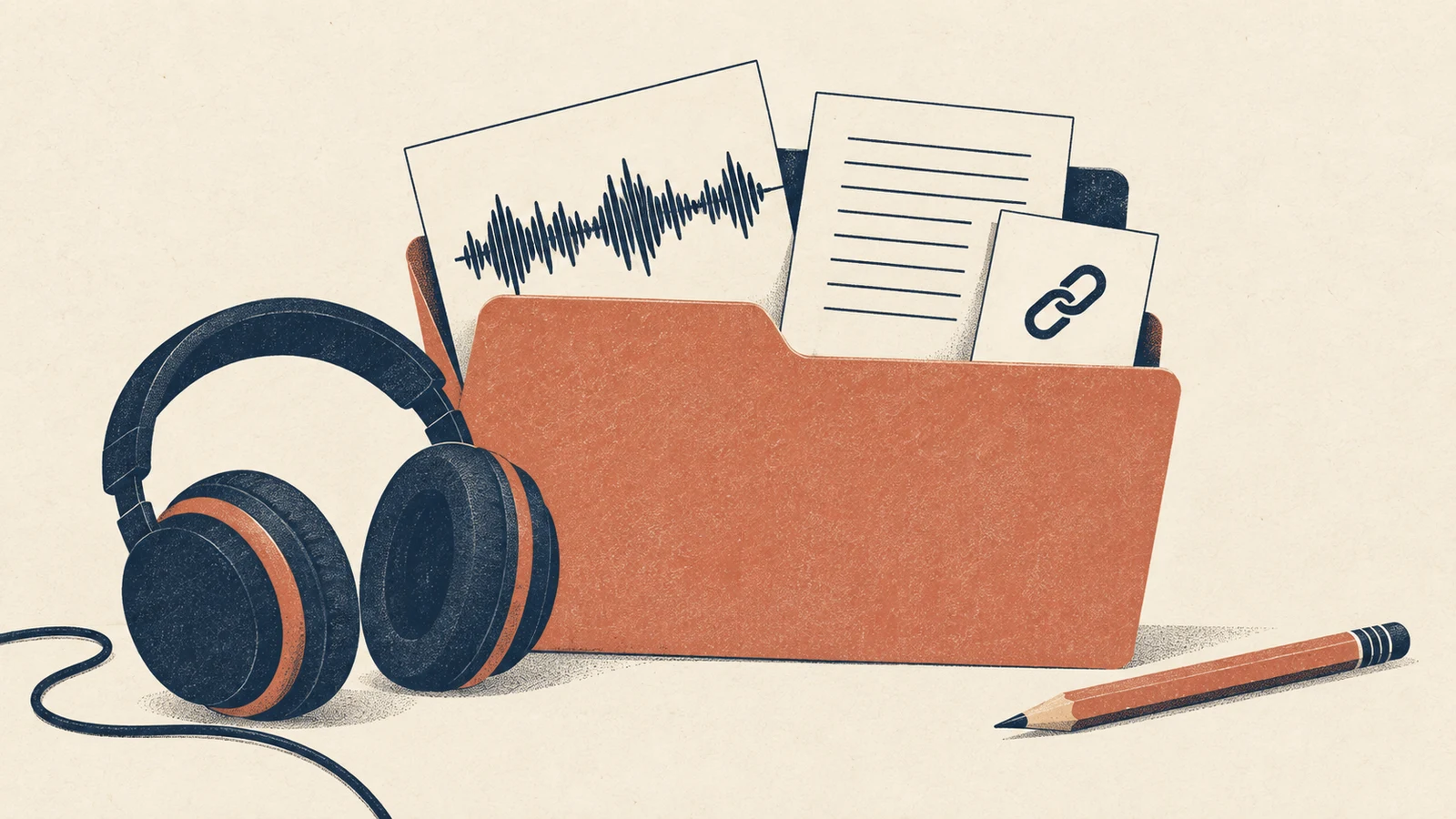
Store the downloaded file alongside a copy of the track page, the applicable terms, the attribution text and any written permission. Name the folder so you can connect it to the video later. This is useful when a client asks where the soundtrack came from or a platform raises a question.
The record is evidence of your decision, not a promise that no claim will occur. If a claim arrives, compare its details with the exact recording and permission you saved before responding.
Keep the editing project too. If you need to replace the track, separate music and narration layers are easier to work with than a single mixed export.
When to stop searching
Move on when the track's source remains unclear, the license excludes your planned use, or the creator cannot provide the permission you need. A good musical fit is not a reason to guess at the rights.
You can try one of the free music libraries compared here, or explore a different musical brief with the AI Music Generator. Generated audio has its own terms to review, including the applicable license information; it is not automatically exempt from rights questions.
Common questions
Is all music on SoundCloud royalty-free?
No. Creators can apply different licenses, and some tracks remain All Rights Reserved. Inspect the individual recording and its terms rather than treating SoundCloud as one uniformly licensed catalog.
Does a Creative Commons label always allow commercial use?
No. The particular license matters. The noncommercial condition in CC BY-NC is one example of why you need the full name and version, not just the words “Creative Commons.”
Can I credit the creator instead of asking for permission?
Credit fulfills an attribution requirement when an applicable license calls for it. It does not substitute for permission that the license does not grant. Resolve the authorization first, then provide the required credit.
Finding royalty-free music on SoundCloud is most useful when the search ends with a recording you can trace, terms you understand and a file obtained through an authorized route. Keep those pieces together before making the soundtrack central to your final edit.