YouTube Audio Library, Pixabay and Mixkit are three places to start looking for free background music. Choose between them by your project's destination and licensing needs, then listen for a track that fits the edit. A free download is useful only if its terms cover what you plan to do with it.
This comparison focuses on published library rules and a practical selection workflow. It is not an audio-quality ranking, a claim that every track suits every project, or a report of hands-on performance testing. Check the applicable license again when you download: a library's summary page does not replace its full terms.
Compare the libraries by the job you need to finish
| Library | A useful starting scenario | The first condition to check |
|---|---|---|
| YouTube Audio Library | Background music for a YouTube video | Whether the selected track requires attribution |
| Pixabay Music | Looking for music to incorporate into a creative project | The Content License, prohibited uses and any additional rights |
| Mixkit Music | Music for online videos, podcasts or online ads | The stock music license and its excluded uses |
This is a shortlist rather than a comprehensive directory. It gives you three different places to investigate without opening dozens of tabs before defining the project.
YouTube Audio Library: begin inside YouTube Studio
Open YouTube Studio and select Audio Library. YouTube documents filters for genre, mood, duration and attribution, along with MP3 downloads. For a YouTube project, that makes it a direct place to look for a backing track while checking its credit requirements.
Tracks under the Creative Commons option require credit in the video's description. YouTube provides attribution text you can copy from the license information. It also offers an attribution-not-required filter for tracks under its standard Audio Library license. Those details come from YouTube's Audio Library guide.
Use the actual Studio library, not an unrelated channel with “copyright-free music” in its name. For a project distributed elsewhere, review the applicable terms rather than treating YouTube's platform guidance as a blanket answer for every destination.
Practical choice: start here when the immediate job is a YouTube upload and you want the track's attribution requirements visible during selection.
Pixabay: read beyond the free-download label
Pixabay's Content License Summary permits free use, use without required attribution, and modification or adaptation, subject to its prohibited uses. It also says that only the full license is legally binding.
A significant restriction is standalone redistribution: the summary prohibits selling or distributing content where it remains substantially unchanged and no creative effort has been applied. Downloading a music file does not make it yours to repackage as a competing stock asset. Pixabay also warns that additional third-party rights may need checking.
For your video, keep the track page and license information together. If you cannot tell whether a planned use falls within the terms, resolve that question before building the final edit around the recording.
Practical choice: explore Pixabay Music when you want a catalog option and are prepared to check the Content License against the particular project, rather than relying on the word “free.”
Mixkit: useful online categories, with explicit exclusions
Mixkit's music page lists videos, websites, social media, podcasts and online advertisements among its permitted-use examples. It says attribution and signup are not required for its free music downloads.
The same page explicitly excludes use in CDs, DVDs, video games, and TV or radio broadcasts. That matters if a project is expanding beyond an online video. A track that fits a social edit may still be unsuitable for the next delivery format.
Mixkit has separate licenses for different asset types. Follow the Stock Music license rather than assuming that terms for its video footage or sound effects also govern the song you selected.
Practical choice: consider it for an online video or podcast that fits the music terms. If the deliverable is a game or broadcast, its stated exclusions are a reason to choose another source.
Check project, license and sound in that order
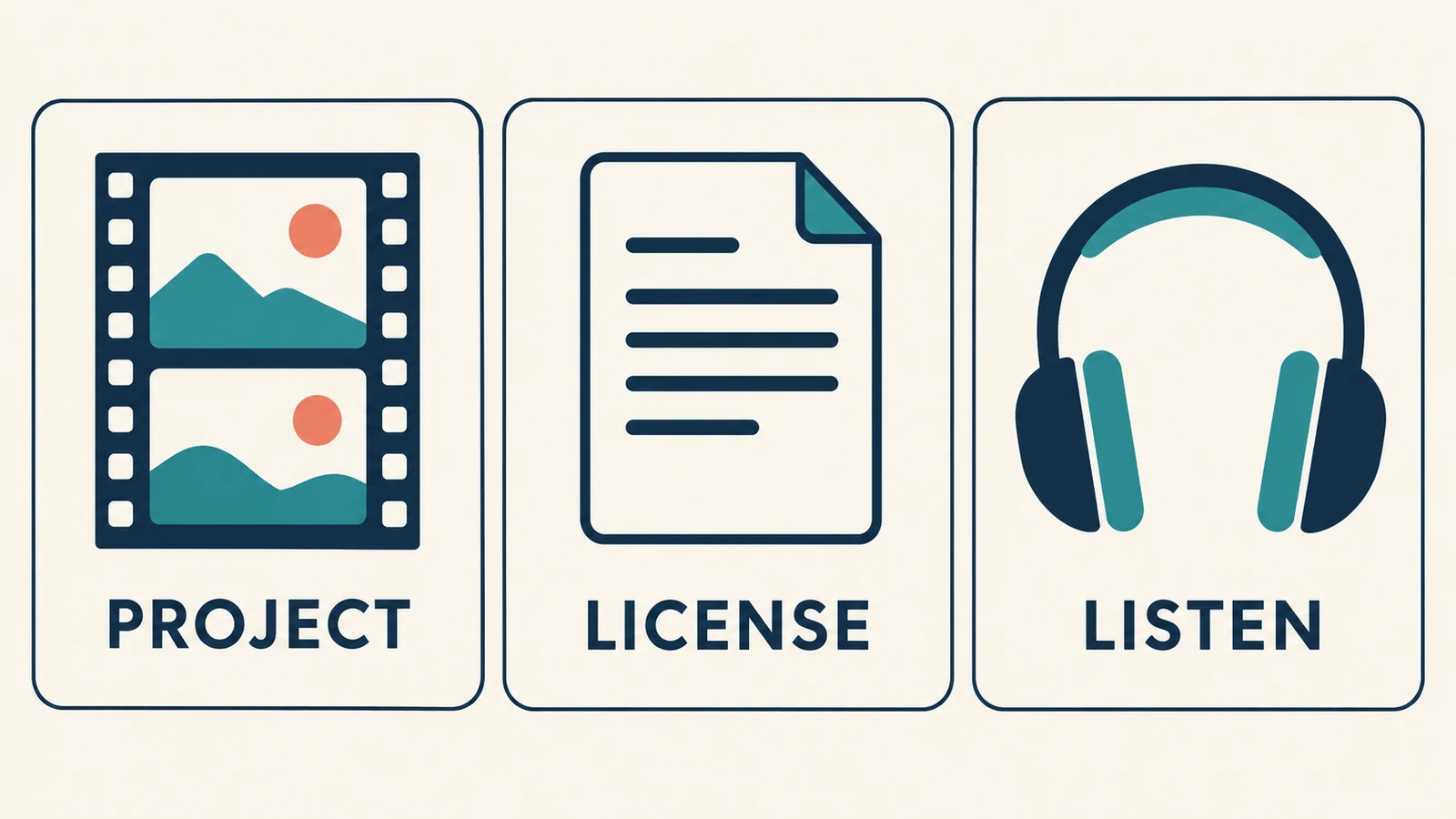
Before searching, write down the actual delivery. “A client video” leaves several questions open. “A narrated product demonstration for the client's website, YouTube channel and paid social campaign” gives you something concrete to compare with a license.
Then ask:
- Does the permission address the commercial use I intend?
- Are the destination platforms or formats covered?
- Is attribution required, and where must it appear?
- Are there restrictions relevant to editing, redistribution or client delivery?
Find answers in the applicable terms. A short product description may not answer every question. For a broader explanation of what evidence to collect, see our guide to checking a song's copyright and usage permission.
“Royalty-free” should not be read as “public domain” or “unrestricted.” Use the actual license to decide what you may do with the recording.
Audition a small shortlist against the same video
Once a source looks suitable, pick a few candidates and compare them against the same stretch of video. Listening only to a library preview can hide problems that become obvious under narration.
For a calm wildlife explainer, you might look for a steady instrumental with limited percussion. Try each candidate under the opening sentence, a busier middle section and the ending. Keep the narration level consistent so you are comparing the music rather than three different mixes.
Reject a track when its main attraction fights the scene. A dramatic rise may sound impressive by itself but distract from a quiet explanation. A vocal hook may compete with the speaker. Those are fit decisions, not judgments about whether the recording is good music.
Also check where you can end the excerpt. A naturally settled phrase may work better than fading out during a strong musical build. Keep a clean video export and the editing project so you can replace the soundtrack without rebuilding everything.
Save the download trail with the project
Create a small folder containing the audio file, original track URL, creator name, applicable terms, download date and required attribution. Add a receipt or license certificate if the service provides one. Keep this with the final edit rather than in an unrelated downloads folder.
That record makes later questions easier to investigate. It does not guarantee that no claim will occur, and it does not create permission beyond what the license grants. If a platform flags the music, compare the notice with the exact track and license before responding.
When a catalog track does not fit
If the project needs a different arrangement, you can explore a new direction with an AI Music Generator. Describe what the scene needs: a sparse instrumental, a steady pulse, or space for narration. Then audition the result just as you would a library track.
Generation is a separate option, not one of the free library offers compared above. Check the service's current plan and license information before using an output commercially. It does not remove the need to review rights, musical fit or platform requirements.
Common questions
Which free royalty-free music site is best?
Start with the one whose terms clearly fit your destination and whose tracks fit the edit. This guide does not assign a universal winner. A usable license and a manageable attribution requirement matter more than the longest catalog.
Can I reuse the same track in every project?
Check each new use against the applicable license. A change from an online video to a game, broadcast or standalone audio product can change the answer. Do not assume that one successful upload settles future uses.
Do I still need to save license information if no credit is required?
Yes, it is a useful production habit. Attribution and evidence serve different purposes: one is a condition to follow when required, while the other helps you document where the track came from and why you selected it.
A productive search through free royalty-free music sites ends with a track you can use, an edit that sounds right, and records you can find again. Define the project first, read the terms, then give a small shortlist a proper listen.