
Start with a short verse and a clear delivery brief
To create AI rap vocals, prepare original lyrics, choose a song generator that accepts them, and describe the delivery you want alongside the beat. Start with one short verse and a hook. Listen for missing words, rushed phrases, and unwanted singing before expanding the song.
A good demo gives you something specific to revise. It does not need to reproduce a famous rapper's voice, and a detailed prompt still cannot guarantee every syllable will land exactly where you intended.
This guide focuses on generating a new vocal performance from text. If you already recorded a performance and want to change its tone, that is a different workflow.
Choose the workflow before choosing the voice
“AI rap voice generator” can describe several tools. Check what the tool takes as input and what it actually exports.
| Your starting point | Capability to look for | What to check before generating |
|---|---|---|
| Lyrics and a musical idea | Song generation with custom lyrics | Whether the result includes a backing track |
| An existing instrumental | A documented add-vocals feature | Whether your file is supported and the feature is available on your plan |
| Your recorded rap performance | Voice conversion | Whether it preserves your timing and requires permission for the target voice |
| A completed song | Vocal or stem separation | Whether the separated voice is clean enough for your intended edit |
For example, Suno documents a Custom mode for entering your own lyrics. Its separate Add Vocals feature accepts eligible uploaded tracks or generated instrumentals; the current help page lists it for Pro and Premier users. Those are distinct workflows, not features to assume every song generator includes.
For a new song draft in AISongsGenerator, use the song generator and its Own Lyrics mode. Keep Instrumental off when you want words performed. This guide does not assume that the output is an isolated vocal stem or that you can attach it to an existing beat without further editing.
Write lyrics you can say in rhythm
Before generating, speak the verse over a steady pulse or your intended beat. You do not need to perform it perfectly. You are checking whether the wording leaves room for the delivery you want.
Try this original four-line sketch:
Last train hums, I count the lights
One more page before goodnight
Ink on my sleeve, a scuff on my shoe
Small plans grow when I follow through
The scene is modest and concrete: a train, a page, a sleeve, a shoe. That gives the performance something to express. Replace the details with your own subject rather than adding abstract claims about success merely to complete a rhyme.
Now compare a crowded draft line with a shorter alternative:
I am running through the city while I'm trying to remember every promise that I made
could become:
City rushing past; I keep the plans I made
These lines are writing examples, not a rule about syllable counts. A fast delivery may intentionally carry more words. The useful question is whether the density serves the verse or forces the important words to disappear.

Leave pauses where you want a thought to settle. Put line breaks at meaningful phrase boundaries. Treat punctuation and section labels as guidance to test, not precise timing commands that every model follows.
If the verse has no clear point, revise it before generating another version. The lyrics generator can help draft alternatives, but choose the wording yourself and remove lines that do not fit the story.
Describe the delivery in musical terms
A useful brief tells the generator how the voice should sit inside the arrangement. Describe pace, articulation, energy, and the relationship between verse and hook.
For the train sketch, try:
Reflective hip-hop demo with a relaxed mid-tempo beat, dry drums, warm bass, and sparse keys. Clearly articulated rhythmic rap verses with short pauses between phrases. An understated spoken hook. Keep the backing arrangement light around the words; avoid a long instrumental introduction and heavily sung verses.
This is a creative direction, not a promise of exact results. If the generator gives you a sung melody, simplify the brief around the delivery you need instead of adding a dozen conflicting instructions.
A different song might call for sharp consonants, an energetic cadence, and a chant-like hook. You can request those qualities without naming a real performer. Describing the sound also makes revision clearer: “less melodic, more conversational” identifies a change you can listen for.
Keep the lyrics in the lyrics field and the musical direction in the appropriate style or description field. Otherwise, production notes may become part of the words you intended to perform.
Generate a demo and listen in separate passes
Use a small draft to establish the direction before spending more generations on a complete arrangement. Save the lyrics and prompt alongside each candidate so you know what changed.
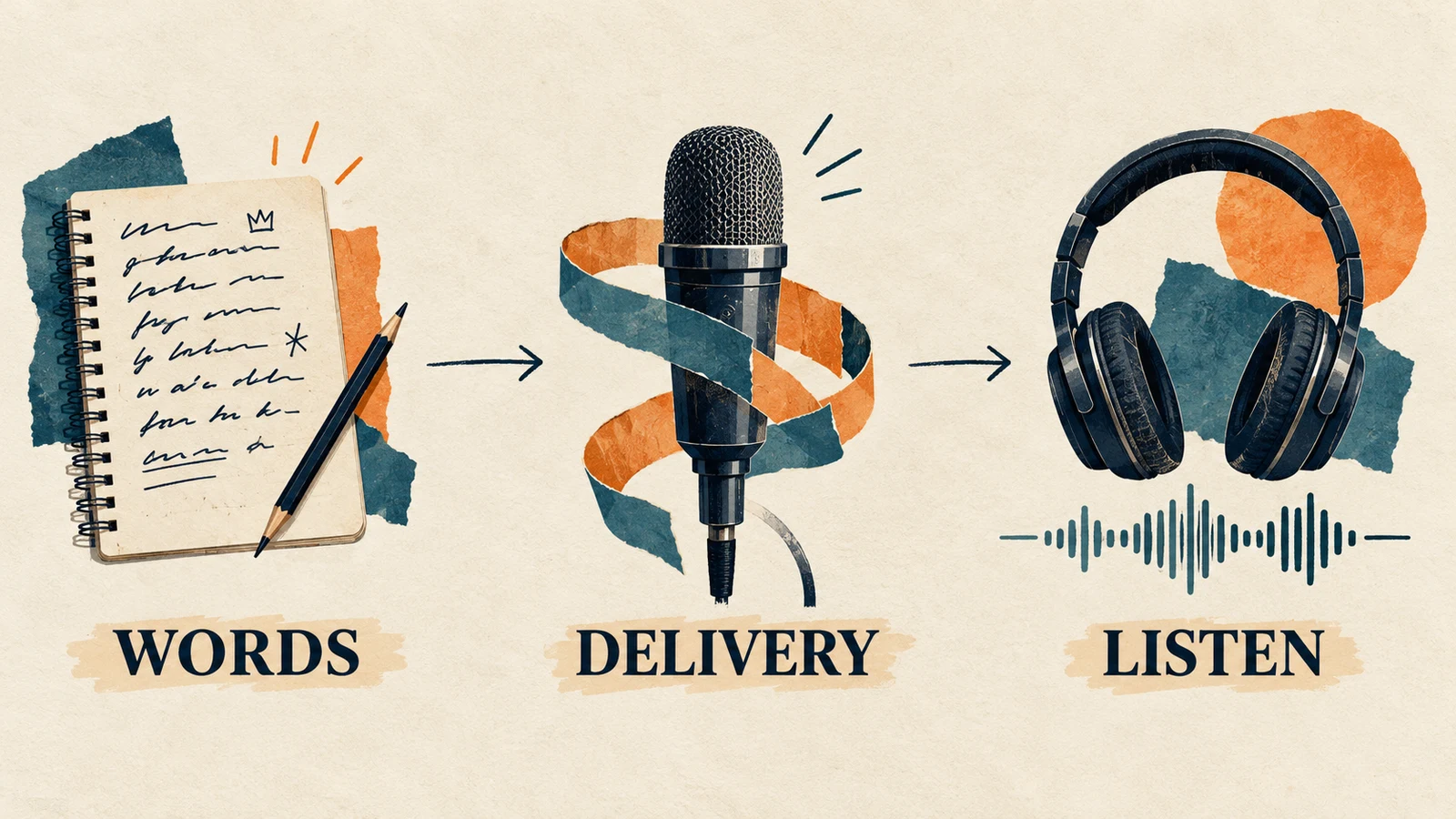
First, follow the lyric sheet while listening. Mark omissions, additions, repeated phrases, and pronunciation problems. A convincing voice can make a changed line easy to miss.
Next, listen without reading. Can you understand the important words? Does the delivery leave space for the hook? A line that only makes sense while you stare at the text needs attention.
Finally, listen to the voice and beat together. Notice where the vocal enters, where a phrase feels crowded, and whether the arrangement obscures the consonants. Do not choose a take solely because its backing track sounds impressive.
A simple note such as “verse clear, last line rushed, hook too melodic” is more useful than “version B is better.” It gives the next revision a purpose.
Fix the most audible problem first
| What you hear | A focused change to try |
|---|---|
| Important words disappear | Shorten that phrase or replace difficult wording; regenerate and check it again |
| The verse becomes a sung melody | Make the rap delivery request clearer and remove conflicting melodic directions |
| Every line has the same cadence | Vary phrase lengths and add intentional pauses in the lyric draft |
| The hook does not stand apart | Give the hook a different lyrical shape or request a different delivery |
| The beat overwhelms the words | Request a sparser arrangement; use mixing controls only if your chosen tool provides them |
| The result sounds like a generic boast | Replace broad claims with a scene, action, or detail that belongs to the song |
Change one major factor at a time when you want to understand its effect. Shortening the verse, changing the genre, and replacing the vocal direction together may produce a useful new song, but it will not tell you which change solved the problem.
Generation can also vary with the same input. Keep a result because it meets the brief, not because you assume the last prompt edit caused every improvement.
Decide whether you need a full song or a vocal stem
A complete demo and an isolated rap vocal serve different purposes. A demo may be enough to develop the writing. To mix the performance over another instrumental, you need a suitable isolated file and must check its timing against the new beat.
Look for a documented stem export in the service you use. If you separate vocals from a mixed song afterward, audition the result for remaining drums, watery consonants, and altered tails. Our guide to free AI vocal removers explains the separation workflow and its limitations.
Do not assume a generated performance will fit a different beat just because the mood matches. Compare the entrances, phrase lengths, and section boundaries in your editor. Keep the original export before making cuts.
Before public or commercial use, check the service's current terms and the permissions for any lyrics, recordings, or instrumentals you supplied. Save that information with the project. A generated voice is not evidence that every input or intended use is cleared.
Questions about AI rap vocals
Can I use my own words?
Yes, when the chosen generator supports custom lyrics. In AISongsGenerator, start in Own Lyrics mode. Review the audio against your text because the performance may alter or omit words.
Can I make the voice sound exactly like a specific rapper?
This workflow does not provide that guarantee. Describe musical qualities such as articulation, register, and energy instead. If a separate voice service involves a real person's voice, use its permission and consent requirements rather than assuming a name in a prompt is sufficient.
Why does my rap demo sound sung?
The generated delivery may not follow the brief precisely, and the prompt or lyric shape may point toward melody. Try a shorter section with a clear rhythmic rap direction, remove contradictory instructions, and compare the new take. Repeated generation does not guarantee the exact result.
Finish a verse you can evaluate
Start with a manageable lyric, a clear delivery request, and a listening checklist. Keep the version whose words and phrasing work, then expand the arrangement. That leaves you with a useful rap demo and a concrete next edit instead of a folder of unexplained variations.